VERSION: 2014.01.31
1. Establish a wired connection.
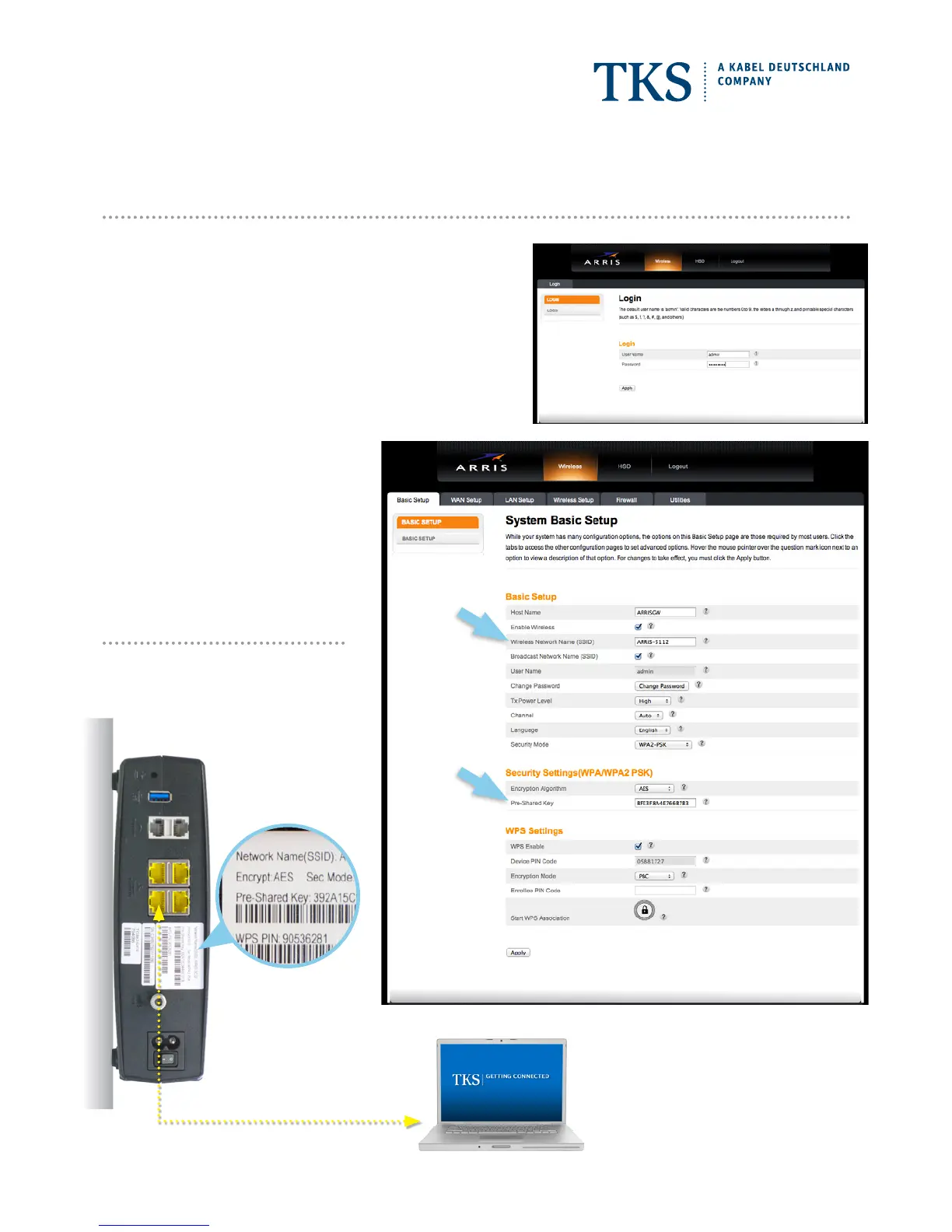
Connect the yellow network cable to the modem, and then to your
computer’s Ethernet 10/100 network adapter.
2. Login to ARRIS settings site.
Open a new browser window and enter “192.168.0.1” into the address
bar – hit return. You will then be asked to enter a user name and
password. Login with the following information:
User Name: admin
Password: password
3. Write down “Network Name” and
“Pre-Shared Key”.
After logging in the ARRIS settings site,
you will see a site with the necessary
information. Write down the
“Wireless Network Name (SSID)” and the
“Pre-Shared Key”.
4. Disconnect your computer from the
modem by removing the yellow cable.
Alternatively you
can also find this
information printed
on the tag on the
connection side of your
modem.
Wi-Fi SETUP
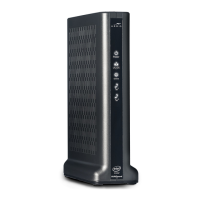
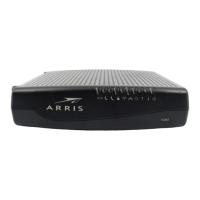
ARRIS TG862 CABLE MODEM
www.tkscable.com









 To Previous Page