Before connecting your new Home Phone modem
If you are replacing an existing modem that has a security sleeve on the coaxial cable, please follow these
instructions about using the unlocking tool in order to disconnect the coaxial cable from the modem. If your
modem allows you to unscrew the coaxial cable by hand, you do not need to use the unlocking tool.
For homes that have an alarm system connected via phone or Internet connection, we recommend that you
notify the alarm company prior to disconnecting your modem in order to avoid any false alarms.
Installation and replacement
1
You can follow the same procedure to install a new Home Phone modem or to replace an existing one. Gather the
following items to facilitate the installation or replacement of your equipment:
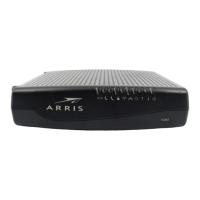
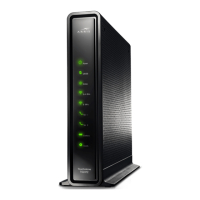
Modem Coaxial Cable Ethernet Cable Power Cord
Thank you for subscribing to the Cogeco Phone service. This guide will assist you in connecting your new Home
Phone modem.
Caution: While replacing your Home Phone modem, your phone and Internet services will not be operational.
Although the process will only take a few minutes, we recommend you perform the procedure at a time when your
Phone or Internet service is not actively being used in your household.
Align the body of the unlocking tool with the cable.
Push tool down towards security sleeve until firmly
connected.
Using tool handle, rotate counterclockwise until the cable is
separated from the modem.
Remove the security sleeve.
Disconnect any telephone cords, Ethernet cables and
phone cables located at the back of the modem.
A.
B.
C.
D.
2
Guide to installing/replacing
your Home Phone Arris
TG2472 modem
A
Coaxial Unlocking
Tool*
Canada Post Return
Label*
*Unlocking Tool and Return Label only provided for modems that are being returned.
B
C
D
E.

 Need help?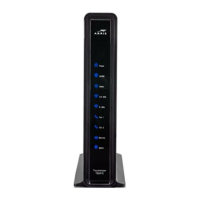









 To Next Page
 General