Obtaining your Wi-Fi credentials
5
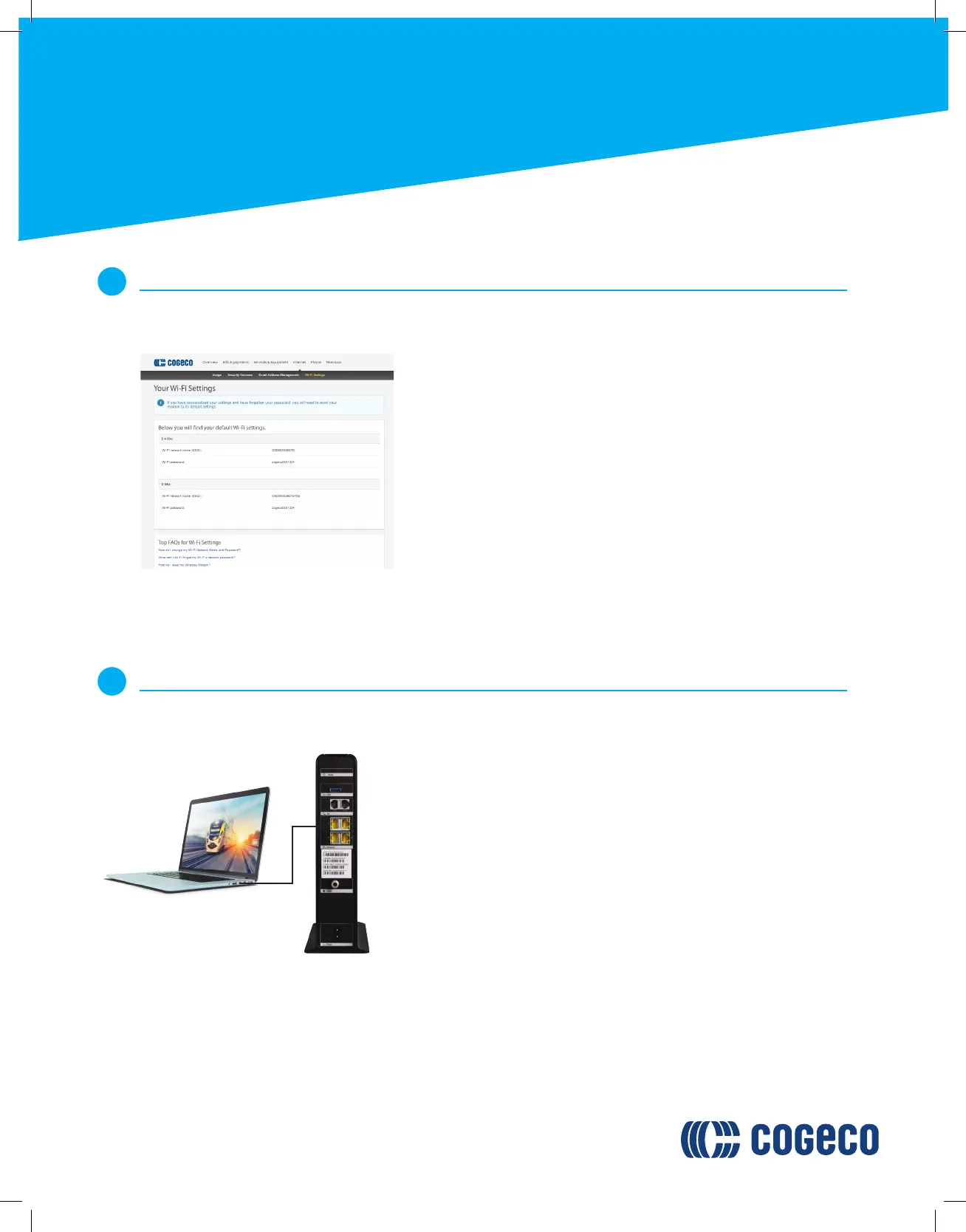
To obtain your Wi-Fi credentials:
Guide to installing/replacing
your Home Phone Arris
TG2472 modem
Consult My Account at cogeco.ca/myaccount
Select Internet.
Select Wi-Fi Credentials.
A.
B.
C.
Connecting your Internet service
6
If you do not require a hardwired Internet connection, you may skip this step.
To create a hardwired connection to your device, connect one end
of the Ethernet cable to your device’s Ethernet port.
Connect the other end of the Ethernet cable to one of the Ethernet
ports on the back of the modem.
You may repeat this process for up to 3 additional devices if
required.
A.
B.
C.
To confirm that your Internet connection is working, connect your
wireless device to the Wi-Fi using the provided name and password.
A
B










 To Next Page