Brouwmarkt BV, Markerkant 1111, 1316 AE Almere
www.braumarkt.com
Memory Function in Manual Mode for 1st mashing step
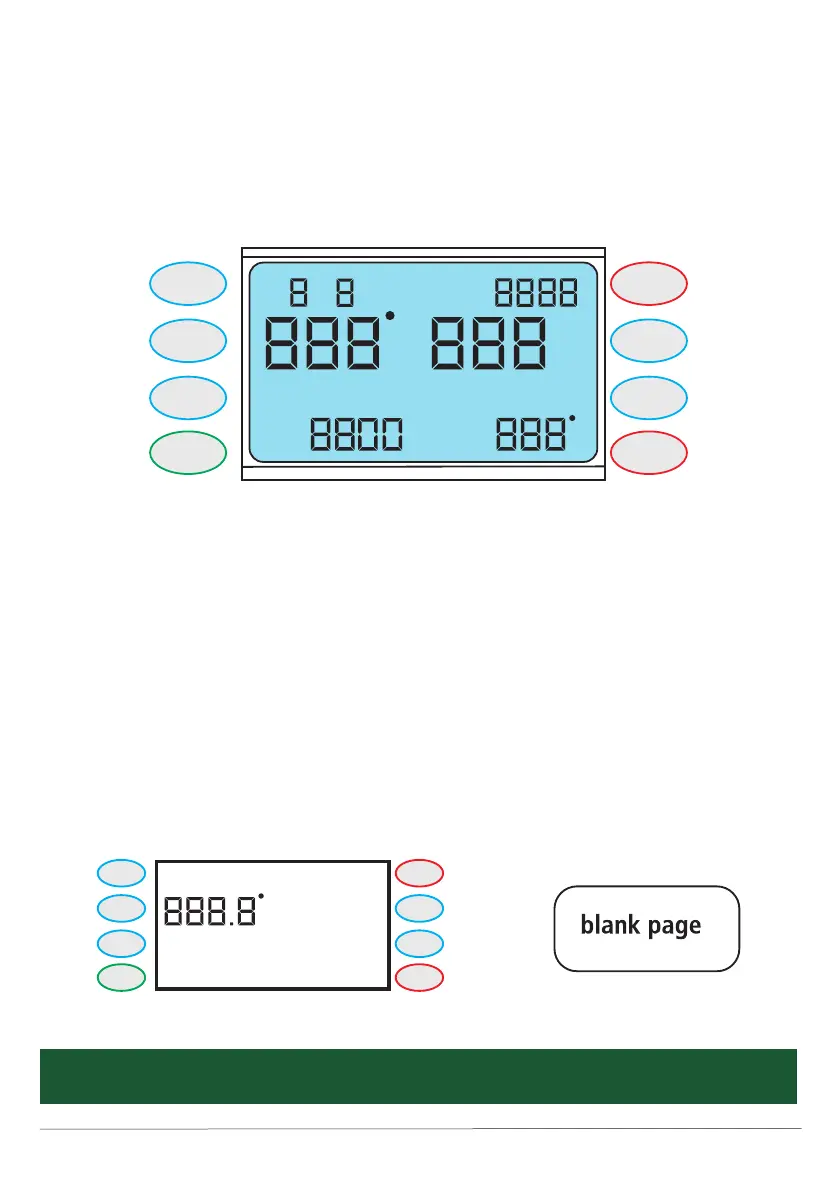
1. Press MANUAL/PAUSE button in edit page for 5 seconds and release it. You can
record the last setting. There’s an audio signal (ringing bell) when it has recorded successfully.
2. Press START button after above operation, the machine will execute the entered data.
3. Press STOP button, the machine stops working and goes to BLANK PAGE.
4. To restore factory settings press the AUTO/PAUSE button in BLANK PAGE for 5 seconds long, an audio
signal (slow ringing) indicates you have successfully restored factory settings.
It is possible to adjust power settings (the wattage) during brewing when its value has been set
in a programme.
e
=
start/
stop
+
auto/
pauze
timer
temp
power
-
Manual/
pauze
s/p: s/t:
w
e
Min
start/
stop
+
auto/
pauze
timer
temp
power
-
Manual/
pauze
mashing Boiling
R
s
E
5. When you press the MANUAL/PAUSE button during heating, display will go back to edit page. You can edit
TEMP, POWER, TIMER, then press MANUAL/PAUSE button again to confirm and the machine follows new
settings.
6. Press TEMP 5 seconds long and release it to switch from degree centigrade to Fahrenheit. This operation
can only be executed in the BLANK PAGE.



 To Next Page