29
2.2.2 Connection with serial port
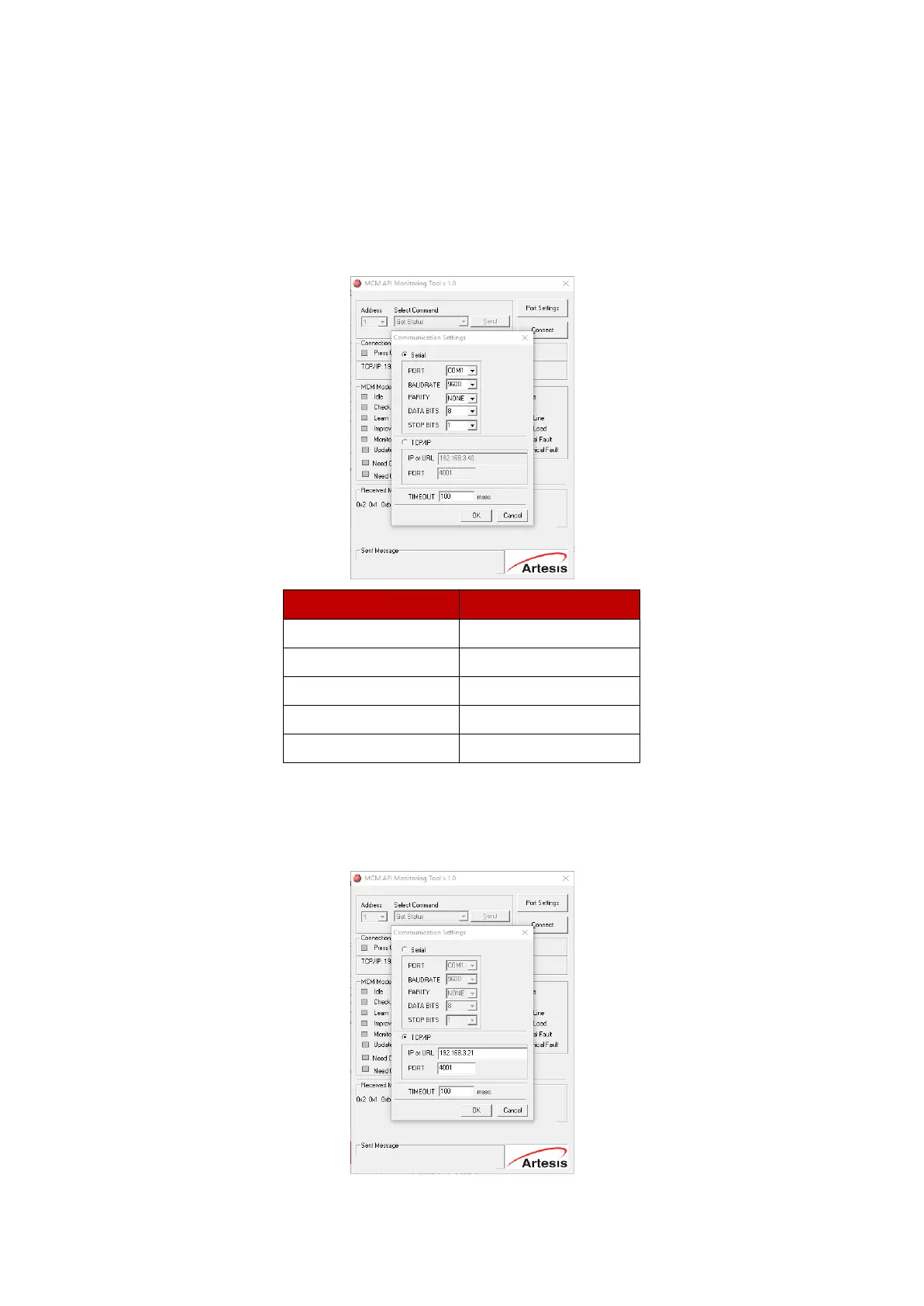
If your PC is directly connected to the RS485 <-> RS232 serial converter via a serial port, then
make sure that Serial is selected, and enter serial communication settings in the relevant boxes
below. The default settings are:
Port: COM1 (This depends on your PC's setup, but most PC's have only one serial port which is
addressable at COM1 by default)
2.2.3 Connection with TCP/IP
If you are going to connect to a remote MCM or MCM network using a TCP/IP connection, then
make sure that TCP/IP is selected, and enter the TCP/IP connection settings in the relevant boxes
below. These will depend on your network configuration.


 To Next Page