43
3.5 Running RESUME and UPDATE
3.5.1 Canceling running
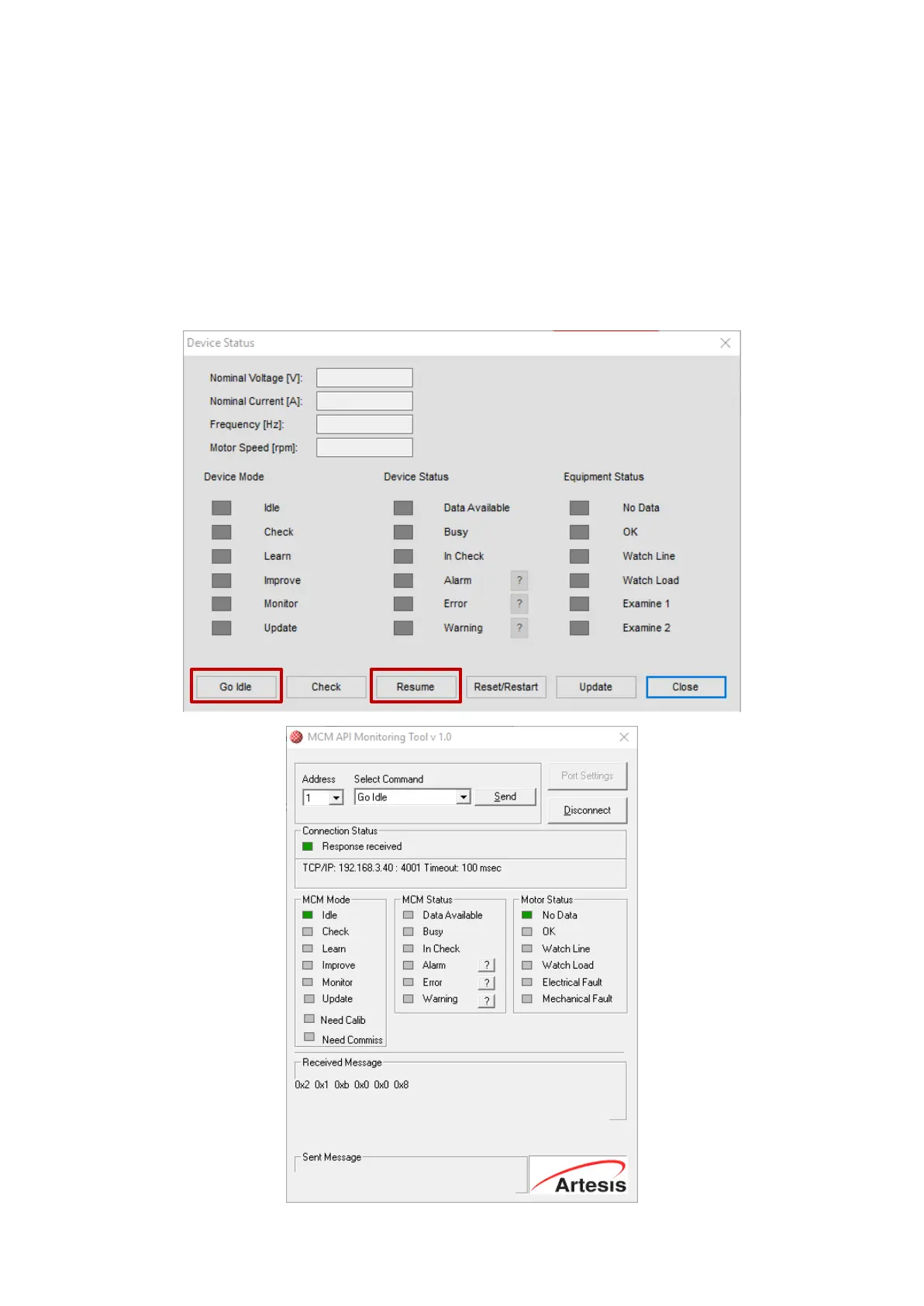
All the operating modes LEARN, IMPROVE, MONITOR and UPDATE can be stopped and started at
any time without significant effect on monitoring performance, by pressing the Device Status>Go
Idle button on AES Configuration software or Select Command>Go Idle Send button on MCM API
Tool. Subsequent restart of eMCM can be achieved by selecting RESUME from the Status menu,
which will cause eMCM to continue in its incomplete mode at the point of interruption. Thus, if it
is necessary to stop eMCM for any reason, it can be restarted without affecting any existing data.


 To Next Page