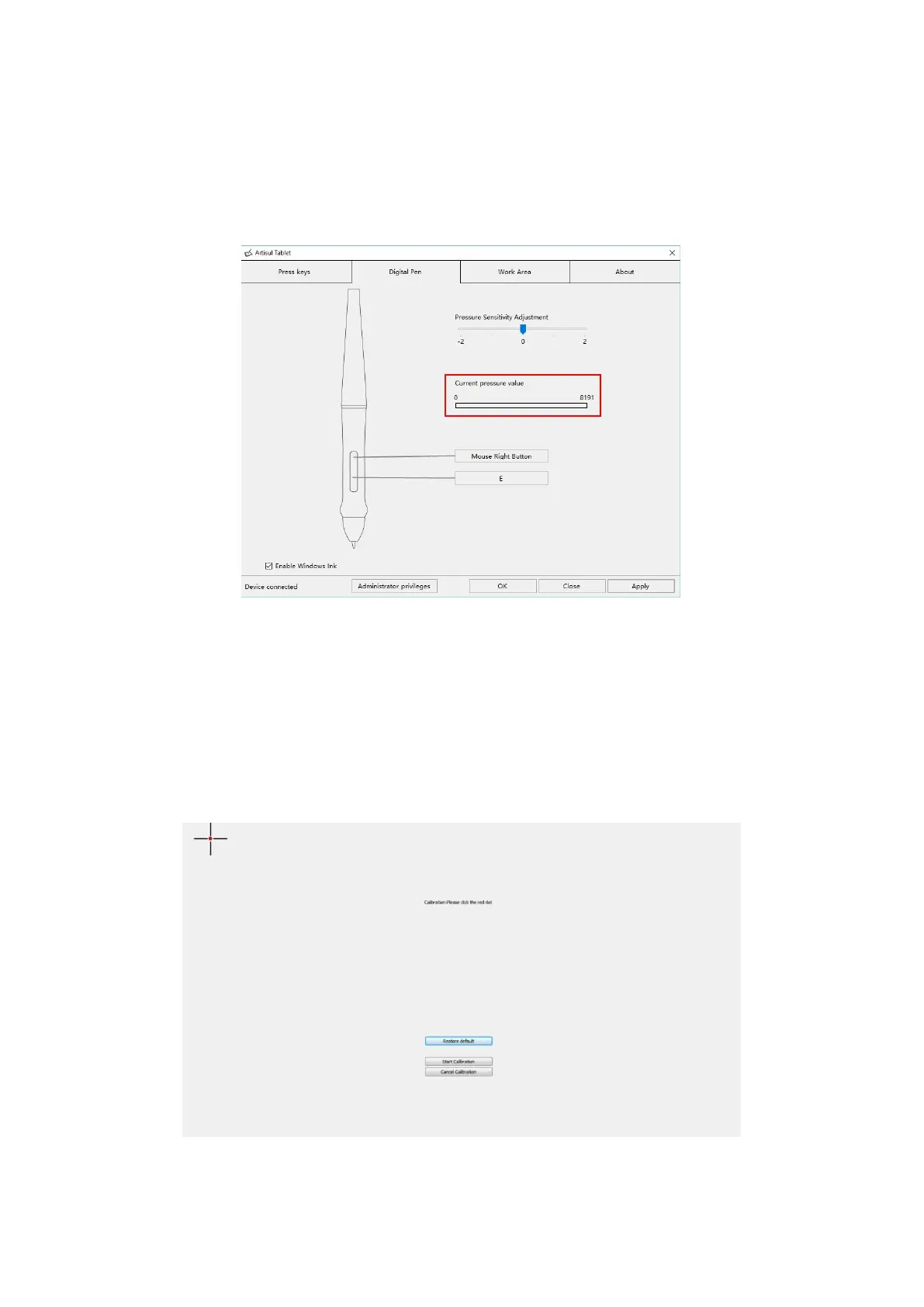
3.5 Pen Pressure Testing
Click “start pressure test”, you can gradually apply pressure to the stylus on the
screen to test the pressure level. Click “Clear” button to clear all the ink.
3.6 Calibration
Screen Calibration: Click the red point of the cross center appearing on the screen
to complete the calibration.
Restore Factory Settings: Click "Restore Default" to restore to the factory settings.
Cancel Calibration: Click"Cancel calibration” or press ESC on the keyboard to
cancel the calibration.



 To Next Page