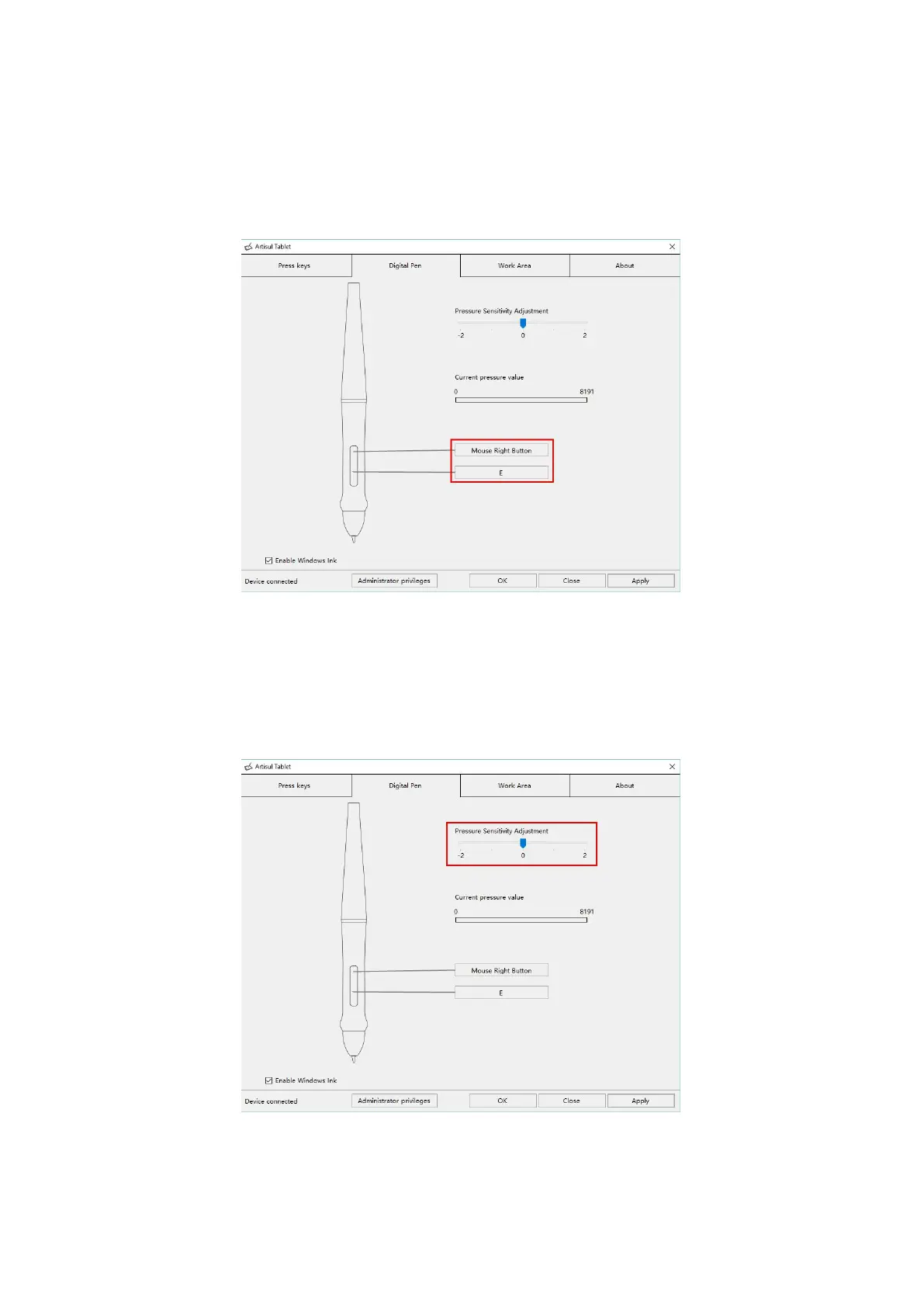
3.3 Pen Button Function Setting
Select the function to be achieved on the pop-up dialog box, then click APPLY or
OK to take effect.
3.4 Pressure Sensitivity Setting
The pressure sensitivity will be changed by dragging the slider up and down, the
smaller the value, the more sensitive the pressure.



 To Next Page