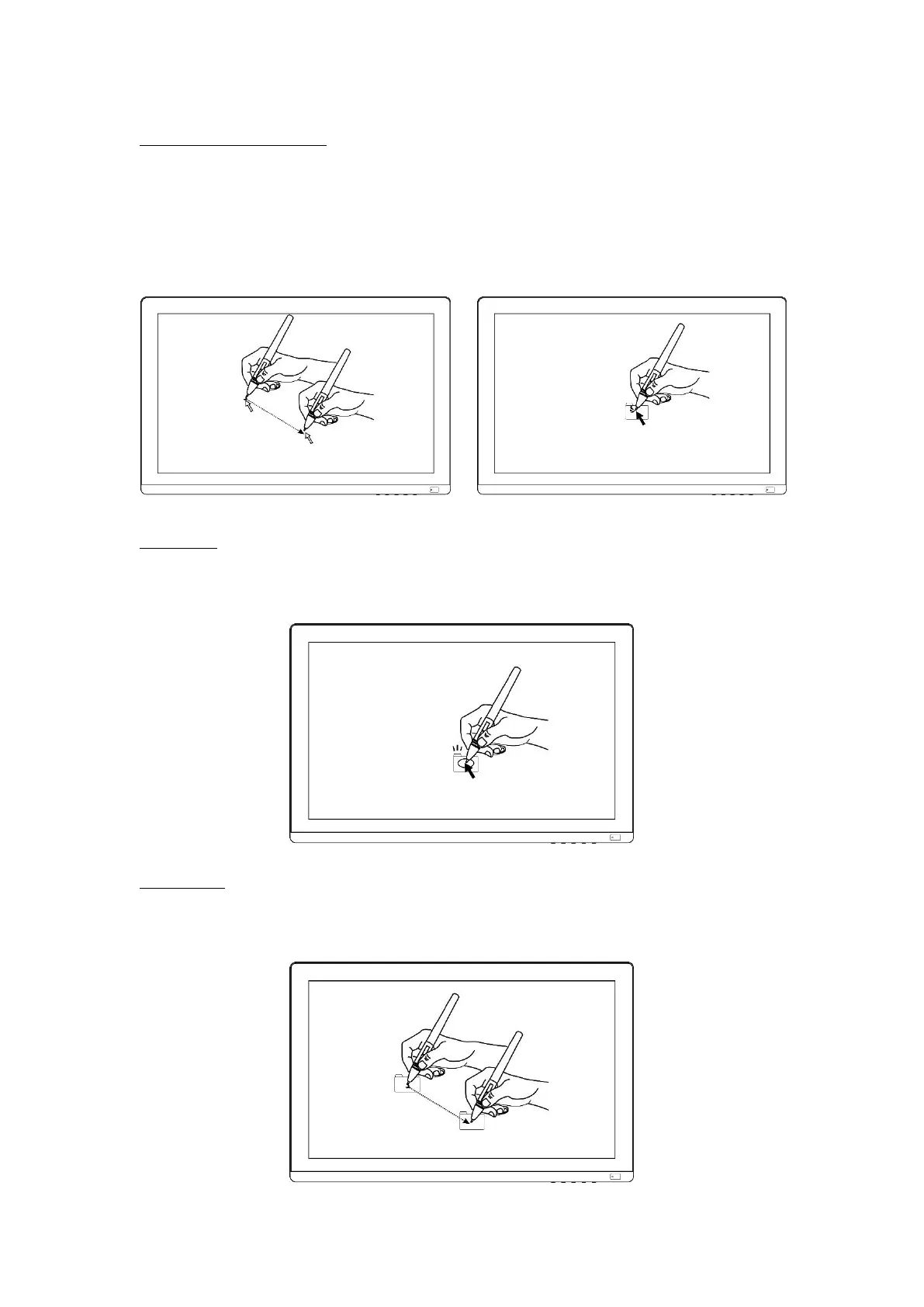
2.1.2 Position the cursor
Move the pen slightly above the active area without touching the screen surface,
the cursor will move to the new position accordingly.
Press the pen tip on the screen to make a selection. Tap the screen once with the
pen tip, or touch it to the screen with enough pressure to register a click.
2.1.3 Click
Use the pen tip to tap on the screen once to produce a click. Tap to highlight or
select an item on the screen and double-click to open it.
2.1.4 Move
Select the object, then slide the pen tip across the screen to move it.



 To Next Page