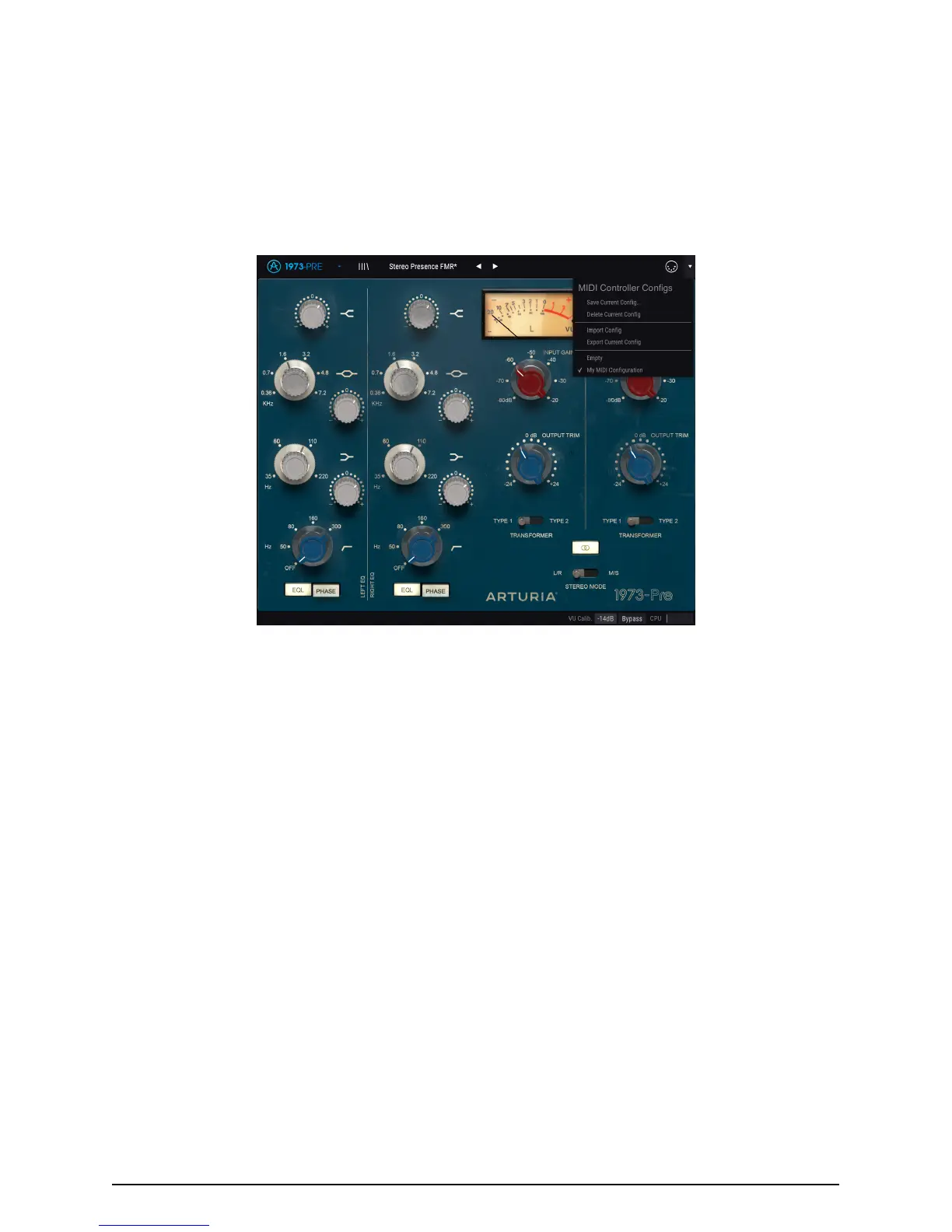
3.4. MIDI controller configuration
There’s a small arrow at the far right-hand side of the toolbar (after the MIDI icon) that
deals with MIDI controller configurations. This allows you to manage the different sets
of MIDI maps you may have set up for controlling the instrument’s parameters from
MIDI hardware. You can copy the current MIDI assignment setup or delete it, import a
configuration file or export the currently active one.
This is a quick way to set up different hardware MIDI keyboards or controllers with 1973-Pre
without having to build all the assignments from scratch each time you swap hardware.
Note the check mark on the bottom of the menu: that indicates that the configuration with
that name is the one currently active. Empty means that there's no configuration loaded.
Arturia - User Manual 1973-Pre - USER INTERFACE 15



 To Next Page