8 | 9004 Gateway Aruba 9004 Gateway | Installation Guide
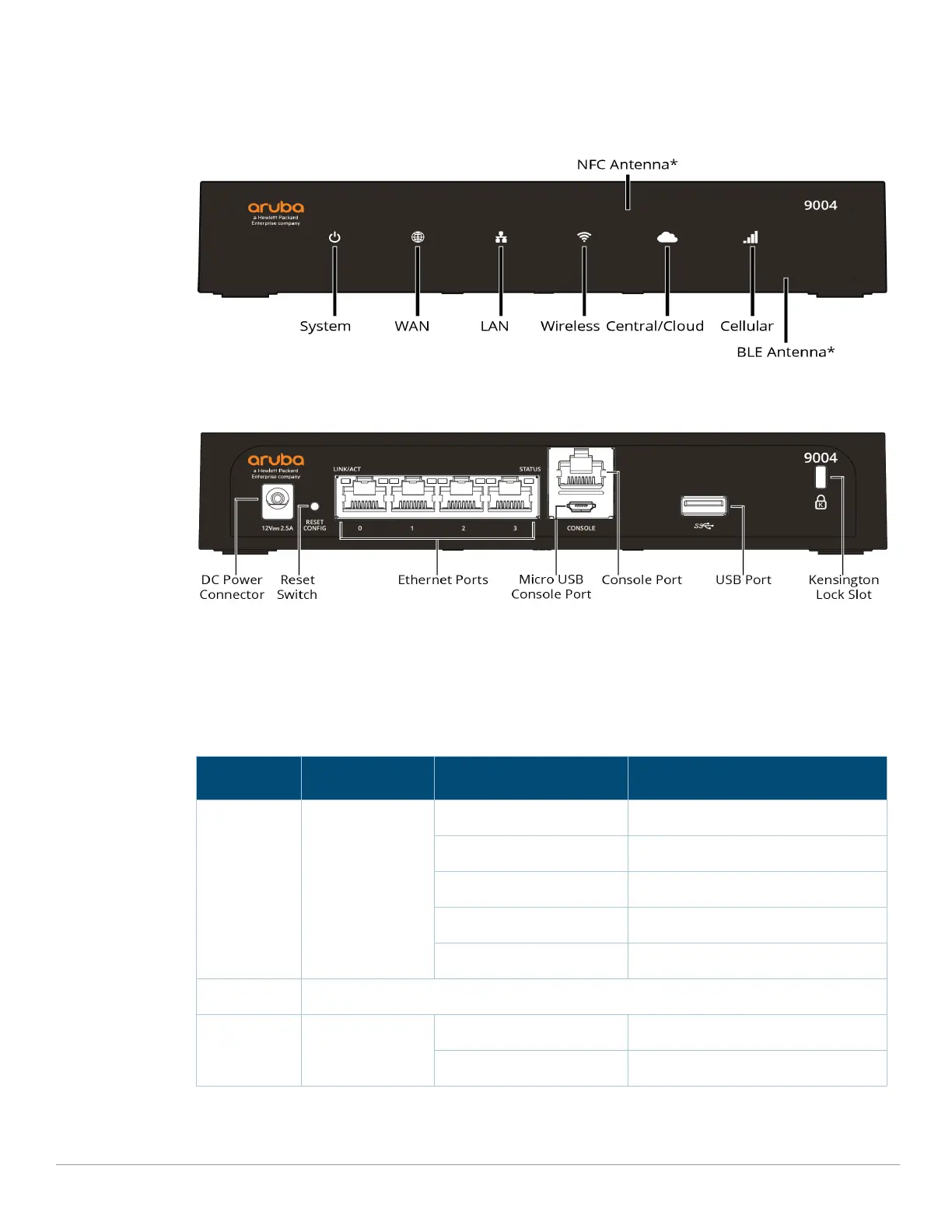
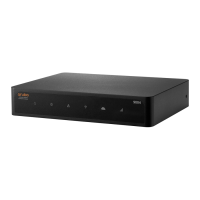
Figure 1 shows the front panel of the Aruba 9004 gateway and Figure 2 shows the back panel of
the Aruba 9004 gateway.
Figure 1 Front Panel of the Aruba 9004 gateway
* The antenna is integrated within the hardware and is not displayed on the front panel.
Figure 2 Back Panel of the Aruba 9004 gateway
Front Panel LEDs
The front panel LEDs show the System, WAN, and LAN status including various other features.
These front panel LEDs provide basic monitoring information of the overall status of the Aruba
9004 gateway. The following table describes the LED indicators and their corresponding status:
Table 4 LED Status
LED Function Indicator Status
System System status Green (Solid) Powered and Operational
Green (Blinking) Loading Software
Amber (Solid) Critical Alarm
Amber (Blinking) Major Alarm
Off Power Off
WAN WAN Connectivity Status
LAN Link Status Green (Solid) All LAN Ports Established
Amber (Solid) No LAN Ports Established


 To Next Page