AP-270 Series Outdoor Access Point | Installation Guide 7
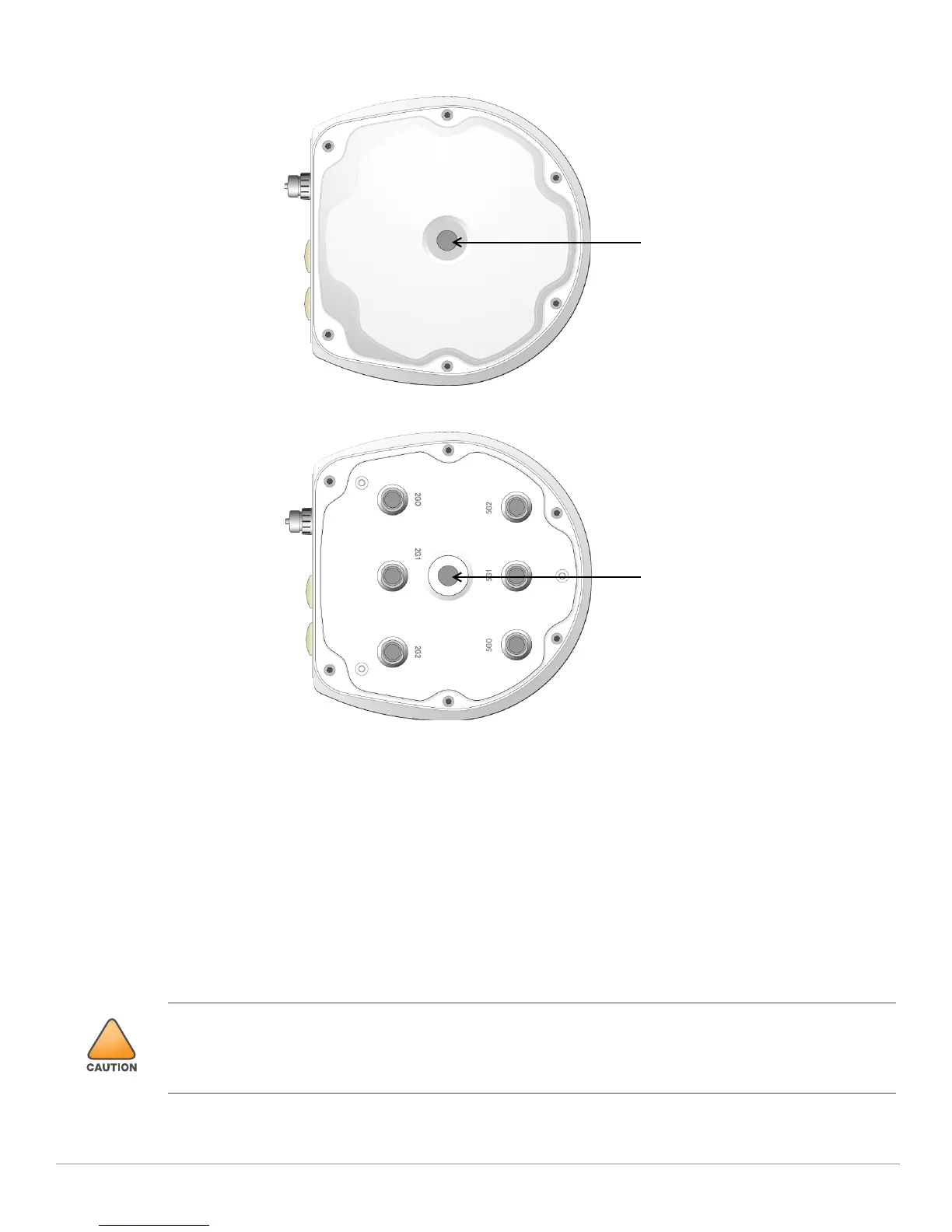
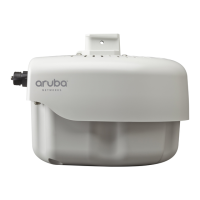
Figure 8 AP-275 bottom View
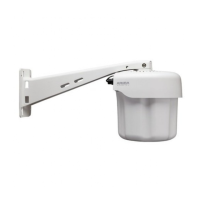
Figure 9 AP-274 bottom View
External Antenna Connectors
The AP-274 is equipped with six external antenna connectors. The connectors are labeled 2G0, 2G1, 2G2,
5G0, 5G1 and 5G2, and correspond to 2.4/5Ghz radio chains 0,1, and 2.
Air Vent
The bottom of the AP-270 Series has an air vent to balance the pressure and humidity inside and outside the
AP. It also allows air exchange between the AP and the environment in a controlled way that doesn’t allow
water to get into the AP.
Before You Begin
FCC Statement: Improper termination of access points installed in the United States configured to non-US model
controllers will be in violation of the FCC grant of equipment authorization. Any such willful or intentional violation
may result in a requirement by the FCC for immediate termination of operation and may be subject to forfeiture (47
CFR 1.80).


 To Next Page