9
• OVERRIDE SWITCHES
*
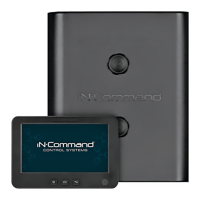
The Body Control Module has a bank of override switches.
The rotary switches below each rocker switch correspond to an
electric function* made by the Display Commander.
The left switch controls the awning and jacks.
The right switch controls the slides.
To use the override switches, locate the switch needed to actuate
the desired component. Rotate the switch underneath the rocker
switch to select the motor. Press up or down on the switch.
The switch is momentary and will activate the motor only while
pressed in either direction.
* The hydraulic overrides are located on the hydraulic
pump; consult the hydraulic pump owner’s manual for
more information.


 To Next Page