22
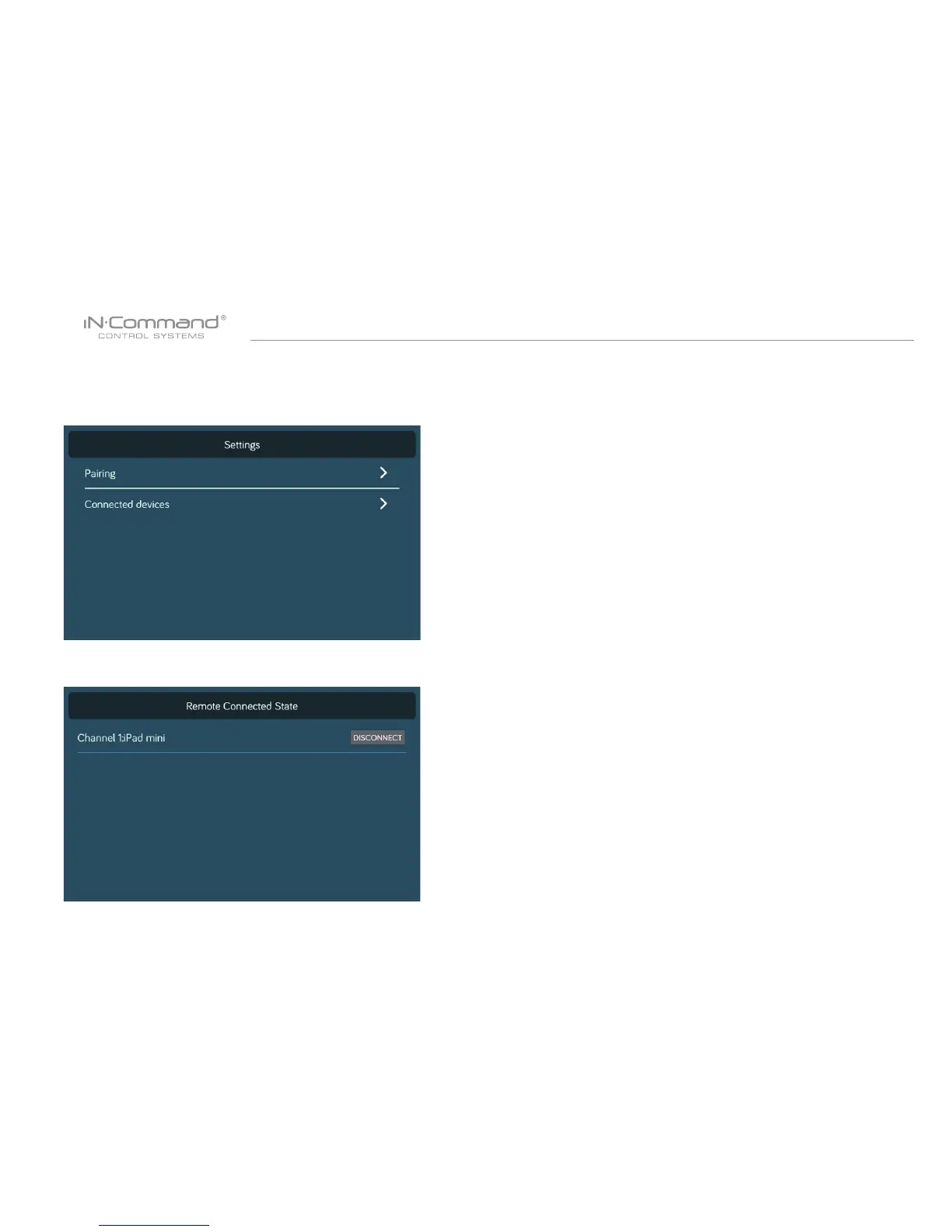
• CHECKING ACTIVE BLUETOOTH SESSION
1. Select “Status”.
2. The page shows information of current active Bluetooth devices.
* To disconnect a handheld device, press “Disconnect”, or simply
shut down the device’s App. This function is used to disconnect
a device that is not actively being used, and to allow another
device to be connected.


 To Next Page