16
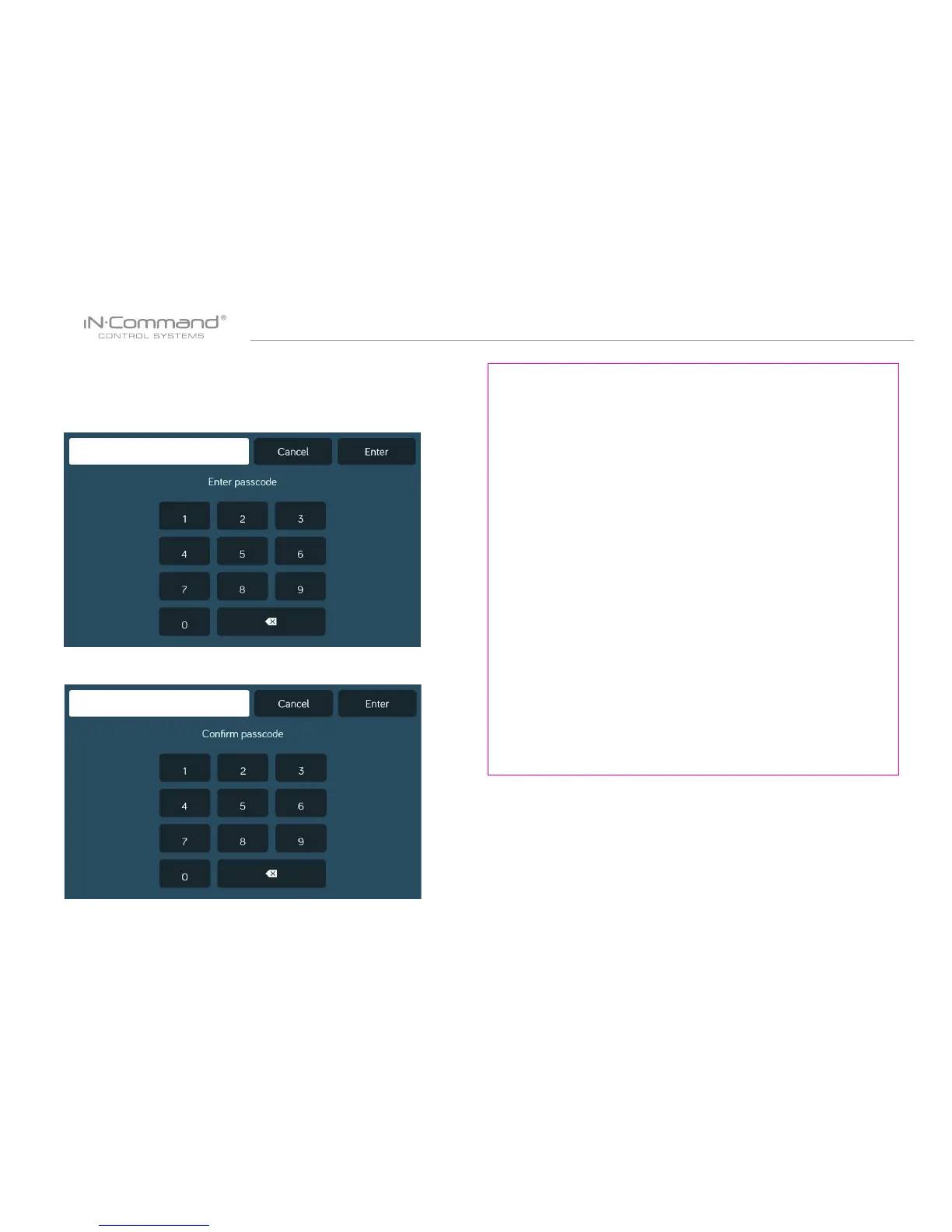
3. Conrm new passcode.
Press the “Clear Passcode” to clear the passcode.
This will restart the App, take the user to the End-User License
Agreement, and have the user setup a new passcode.
1. Press the “Change Passcode” button to change to a new
passcode.
2. Enter the new passcode.
• Change Passcode • Clear Passcode


 To Next Page