Step 4 Turn on the computer.
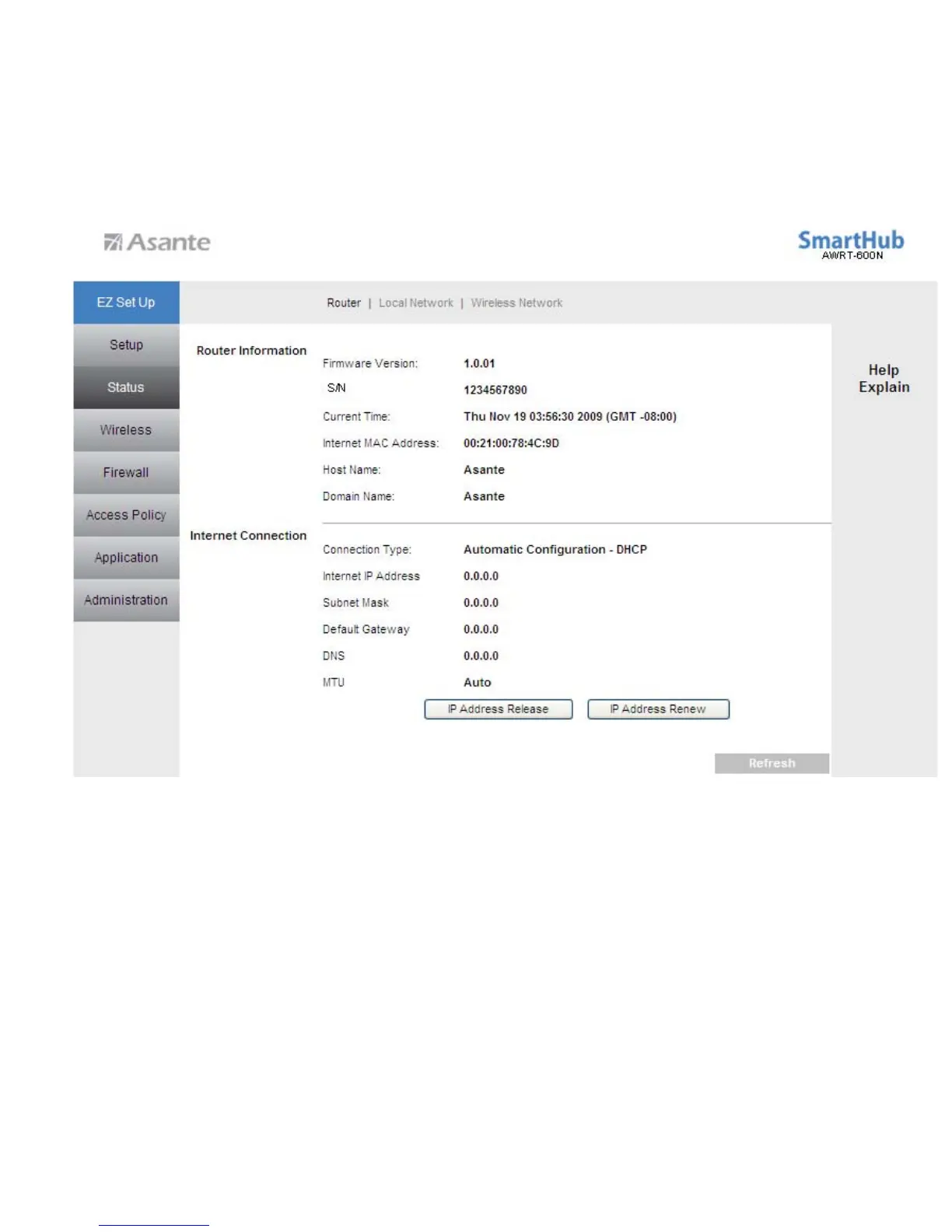
Step 5 Log in to the router and select the Status tab.
Step 6 Verify that the Internet IP Address, Default Gateway, and at least one of the
DNS fields have valid numbers assigned to them (instead of all 0’s).
If each field has a valid numbers(not all 0’s) assigned, the router is connected to the Internet.
10



 To Next Page