6. Web Configuration Utility
This router has a built-in web configuration utility that you can use to configure the
router’s settings. Simply log in to the router using your computer’s web browser.
6.1 Setup
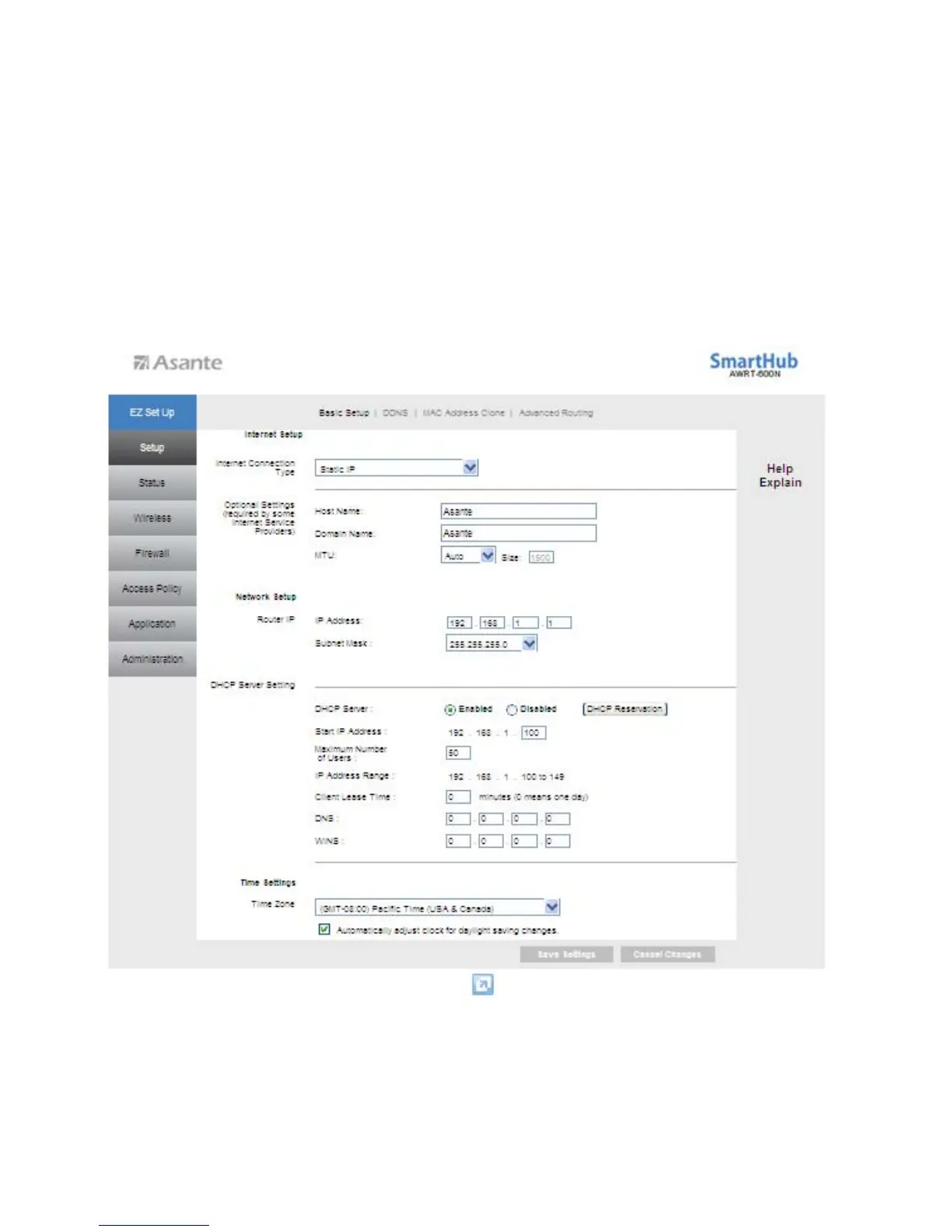
6.1.1 Setup > Basic Setup
This is the default screen when you log in to the router’s web configuration utility and select
‘Advanced Set Up’. You c
an setup your Internet connection here as well as configuring the Network
and DHCP server s
ettings and selecting your Time Zone.
12



 To Next Page