External Port/ Internal Port: If you are only forwarding one port, you can put the same
port number in both the External and Internal Port boxes.
Protocol: IP protocol to forward.
To IP Address: This should be the IP address of the computer you want to forward the
ports to.
Make sure that you check the Enabled box to activate the setting, then click Save Settings to
save the settings.
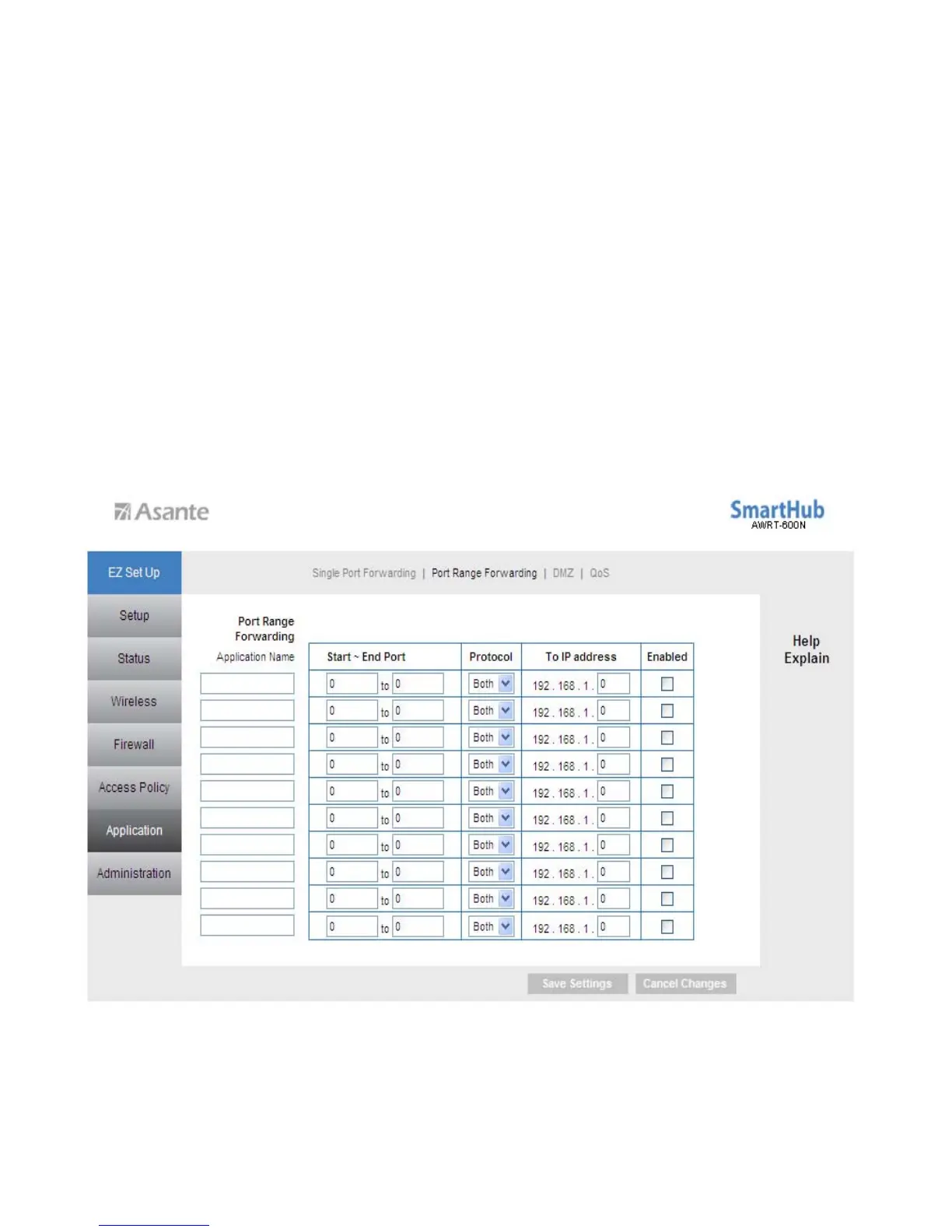
6.5.2 Applications & Gaming > Port Range Forwarding
If you want to host ftp server or online gaming, you must open up ports on the router.
This page allows you to setup port range forwarding for the specified applications.
Note: Before using forwarding, you should assign static IP addresses to the designated
PCs.
Application Name: Enter an Application Name.
39



 To Next Page