6.6 Administration
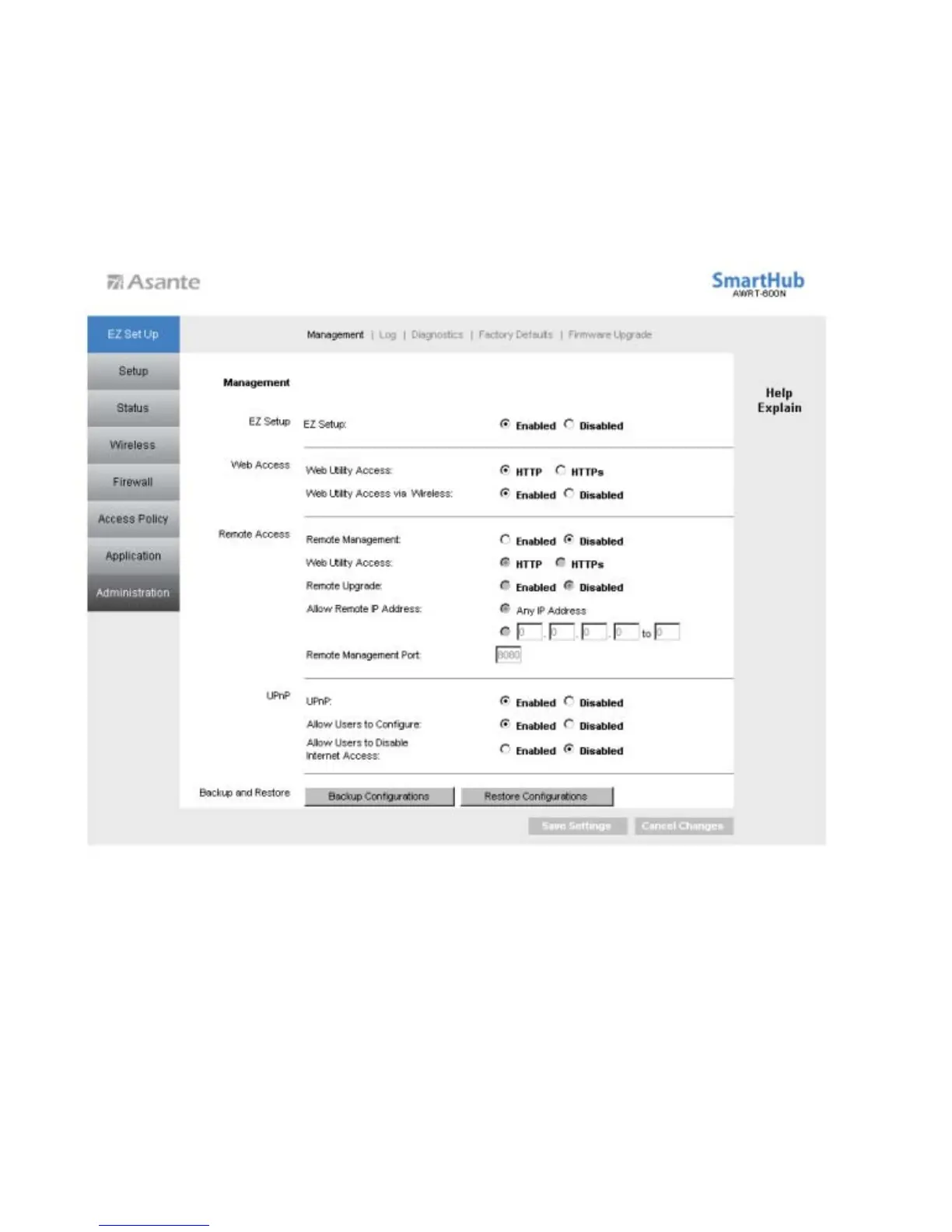
6.6.1 Administration > Management
The Management screen allows you to change the router’s log in password as well as
other administrative settings.
EZ Setup: Select to enable or disable EZ Setup. If EZ Setup is disabled, the user is allowed to
access internet whenever he/she is connected to the router. If enabled, the user is required to enter
username/password to access the internet.
Web Access: Select to enable or disable HTTPs and Wireless access for the Web
Configuration Utility.
49



 To Next Page