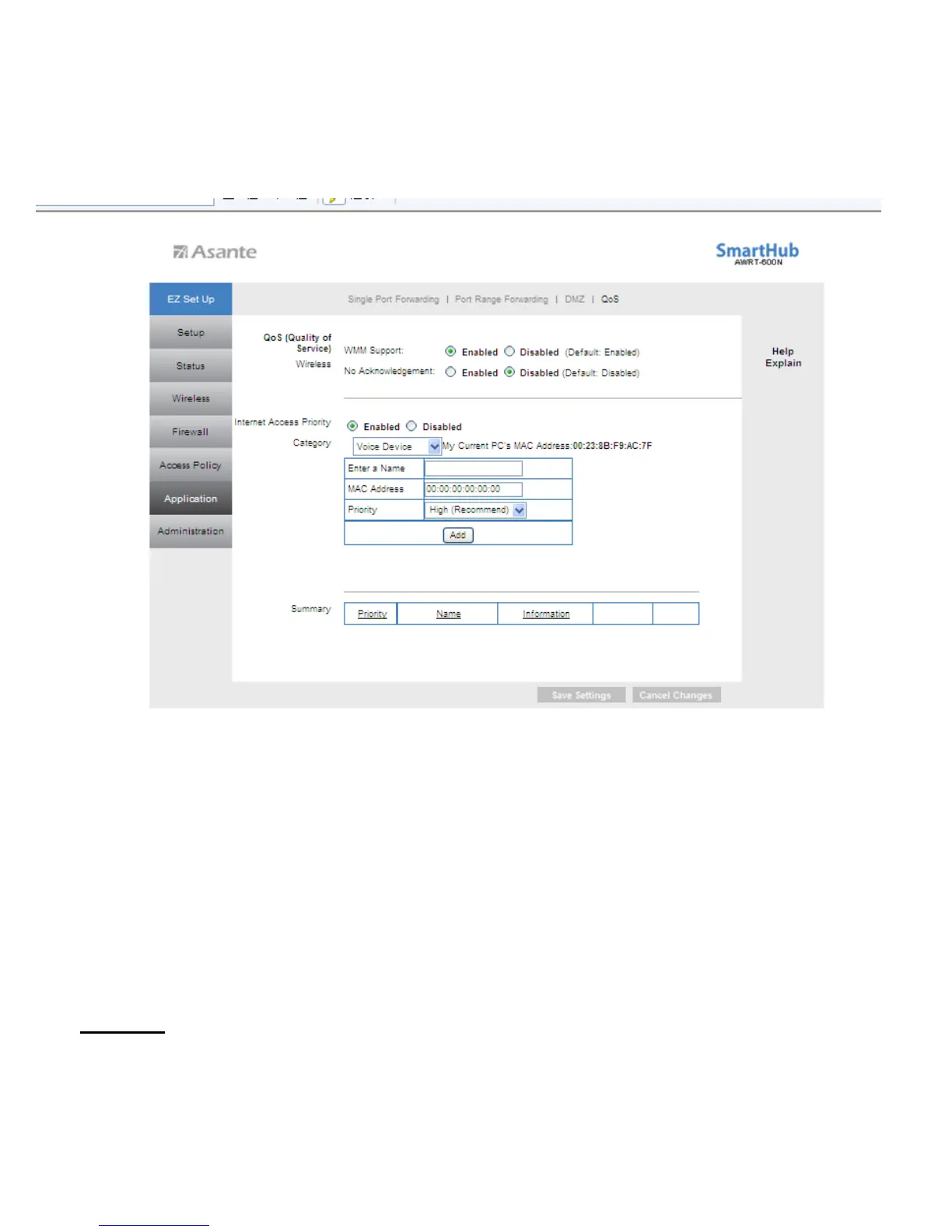
Voice Device
Enter a Name: Enter a name for your voice device such as VoIP or IP Phone.
MAC Address:
Enter the MAC address of your voice device.
Priority: Select the appropriate priority: High, Medium, Normal, or Low. Click Add to
save your changes.
Click Save Settings to save the settings.
Summary
Summary shows the configuration for various application priorities. You can Remove or
Edit the configuration from this list.
48



 To Next Page