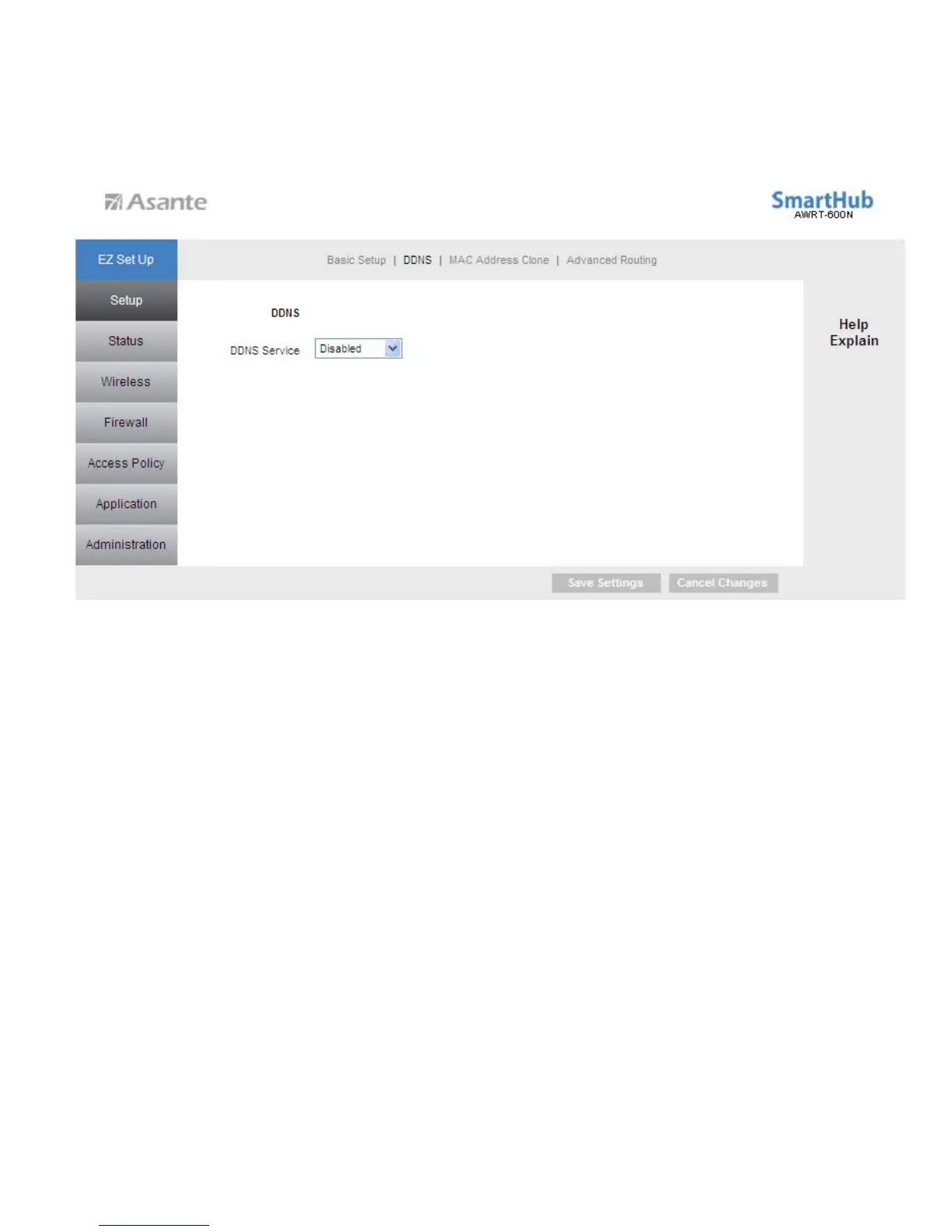
6.1.2 Setup > DDNS
Dynamic DNS (DDNS) allows any user who wishes to access your server to reach it by
a registered DNS name instead of an IP address. Before you enable
DDNS
, you need
to register an account with one of the DDNS providers listed in the drop-down menu.
To Enable DDNS, select the DDNS provider you have registered with and enter the
required fields. Click Save Settings to save the settings.
18



 To Next Page