Start ~ End Port: If you are only forwarding one port, you can put the same
port number in both the Start and End Port boxes.
Protocol: If you are not sure which protocol to choose, select both.
To IP Addres
s:
This should be the IP address of the computer you want to forward the
ports to.
Make sure that you check the Enabled box to activate the setting, then click Save Settings to
save the settings.
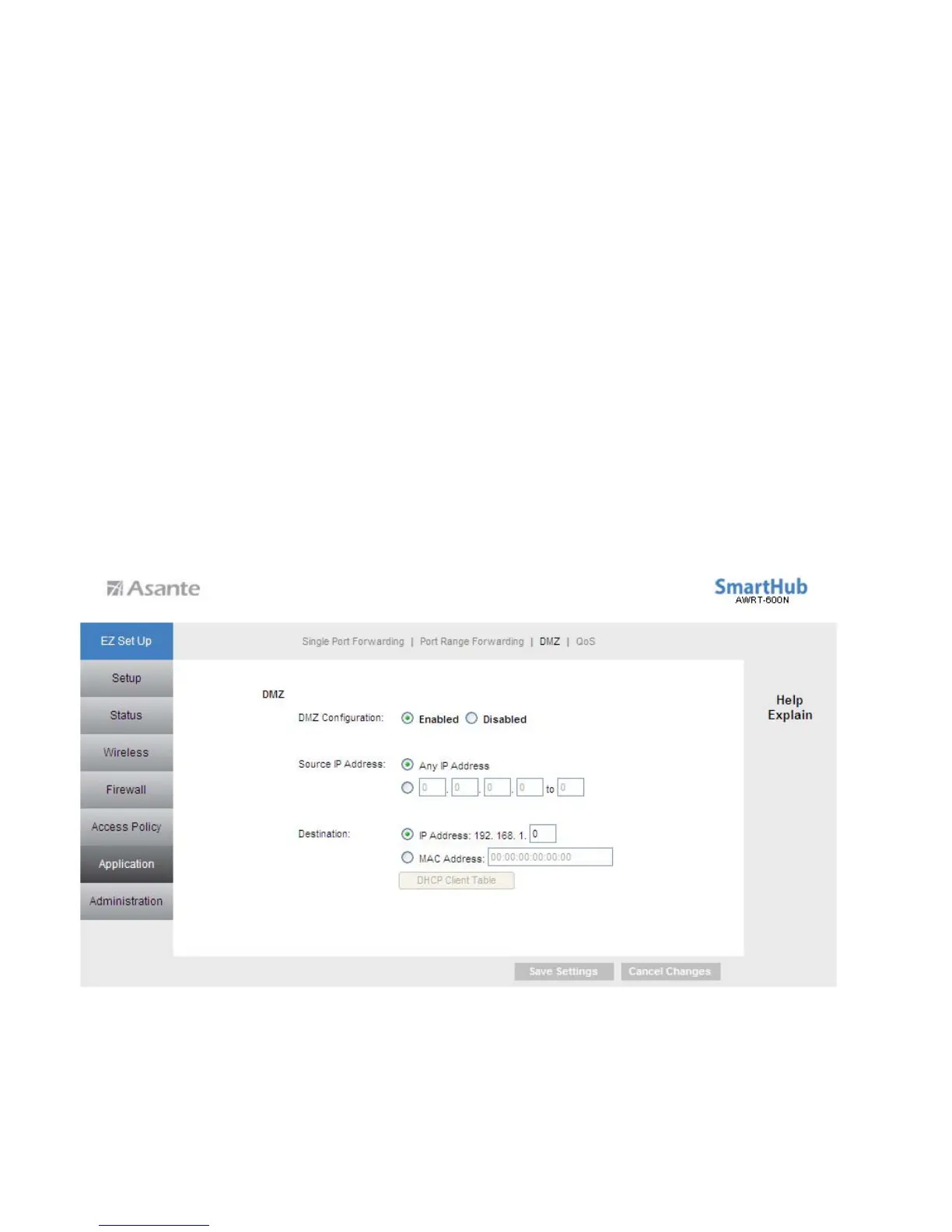
6.5.3 Applications & Gaming > DMZ
DMZ (De-Militarized Zone) is a host without the protection of the router’s firewall. It
allows a computer to be exposed to unrestricted two-way communication with the
Internet. You should only use this feature when the Port Forwarding function fails to
make an application work.
Warning: Setting your computer as a DMZ host exposes it to various security
vulnerabilities. This feature should be used only when needed.
40



 To Next Page