Encryption
: Choose
64 bits
or
128 bits
Passphrase: You can enter a passphrase and click on the Generate button and the
router will automatically generate four WEP keys for you.
WEP Key 1 – 4: Manually assign a passphrase for each key. If you selected 64 bits
encryption, enter 10 HEX characters (0-F) for each key. If you selected 128 bits
encryption, enter 26 HEX characters (0-F) for each key.
TX Key: Select a key to be the active key.
Click Save Settings to save the settings.
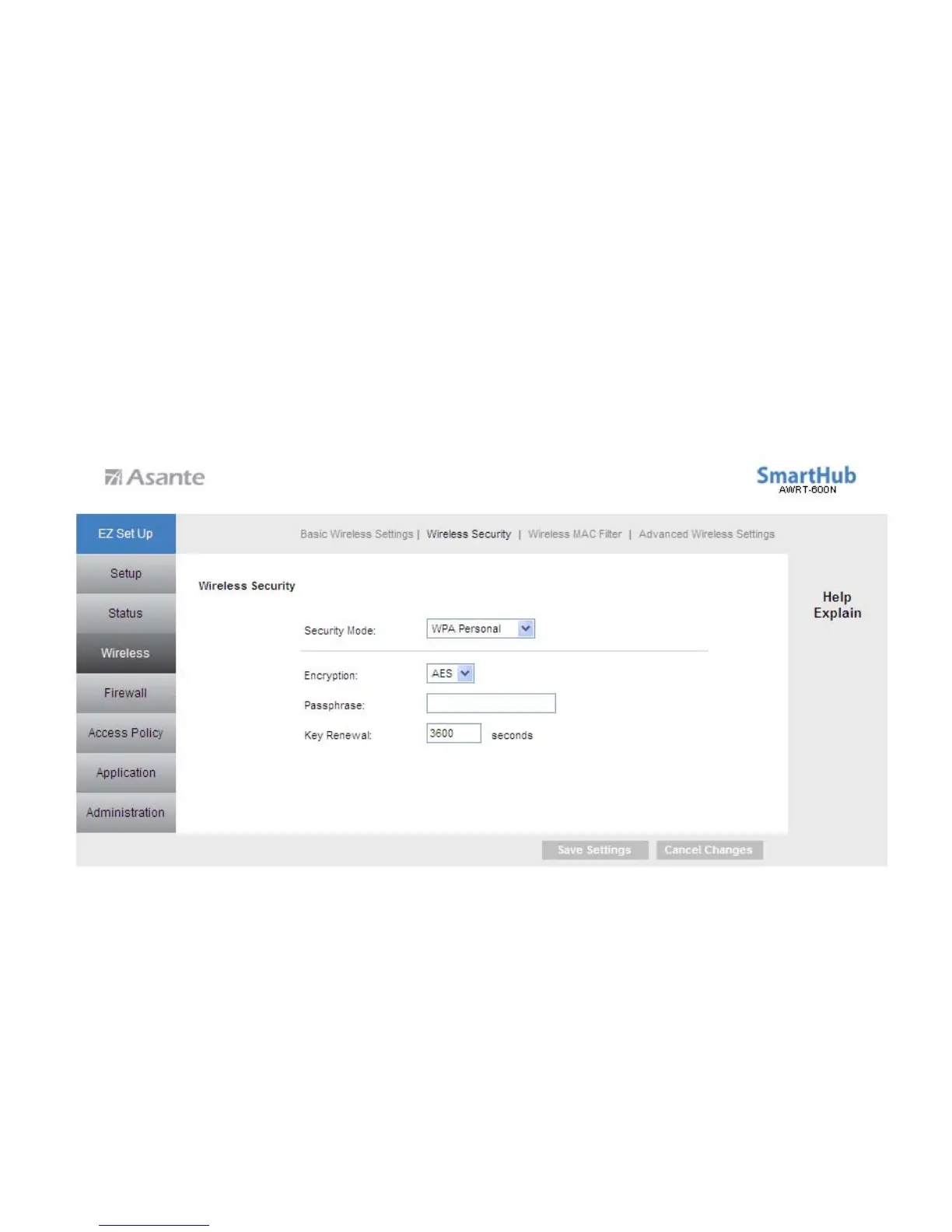
WPA Personal
Select WPA Personal from the Security Mode.
Encryption: Select either TKIP or AES as the encryption method.
Passphrase: Enter a passphrase between 8 to 63 characters long.
Key Renewal: Enter the desired key renewal time in seconds.
Click Save Settings to save the settings.
24



 To Next Page