Access Policy: Select a policy number from the drop down list.
Enter Policy Name: Enter a name for the policy.
Status: Choose to Enable or Disable the selected policy.
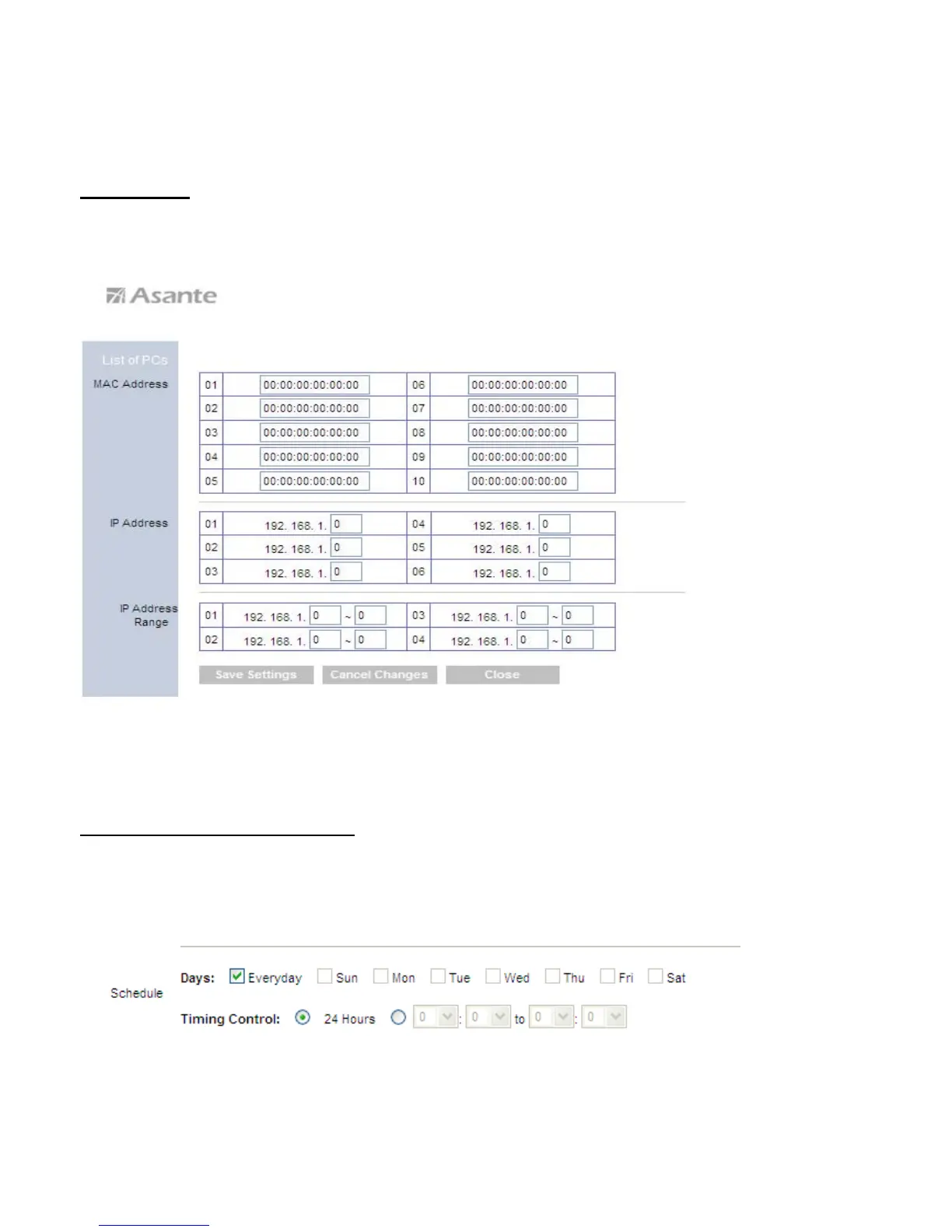
Applied PCs
Click on the Edit List button to specify the network clients. Policy only applies to the
PCs that are in the list.
You can specify each client by its MAC Address or IP Address. You can also specify a
group of clients by entering their IP Address Range. Once you have specified all the
clients, click Save Settings.
Access Restriction & Schedule
Select to Deny or Allow the specified clients to access the Internet by Day and Time.
35



 To Next Page