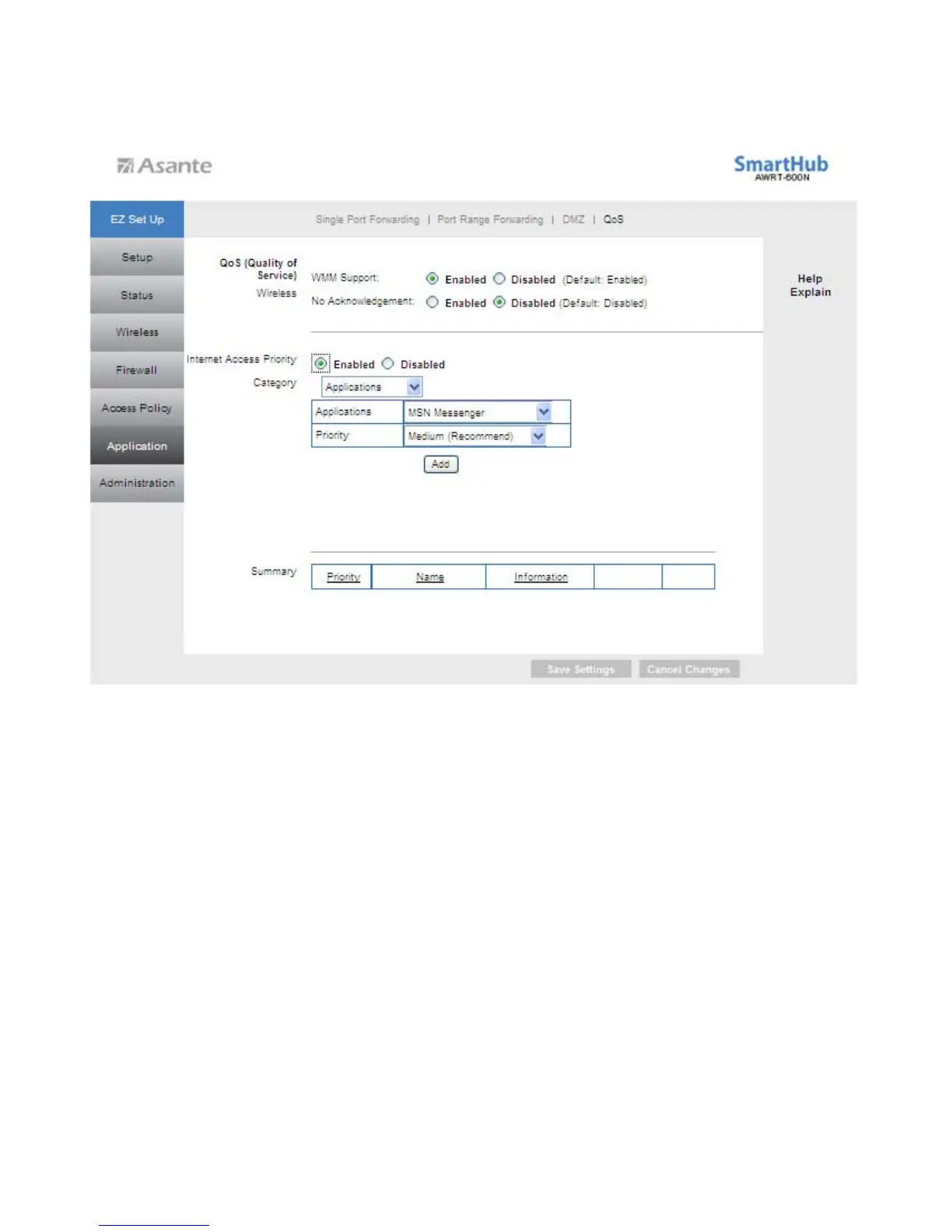
Add a New Application
Enter a Name: Enter a name for this application.
Port Range: Enter the port range that the application will be using. For example, if you
want to allocate bandwidth for FTP, you can enter 21-21. Select the protocol TCP or
UDP, or select Both.
Priority: Select the appropriate priority: High, Medium, Normal, or Low. Click Add to
save your changes.
44



 To Next Page