6
7 Right click “RNDIS/Ethernet gadget” and select “Update driver software”.
A new window opens.
8 Click “Browse my computer for driver software”.
9 Browse to the folder where the port driver is saved and click “Next”.
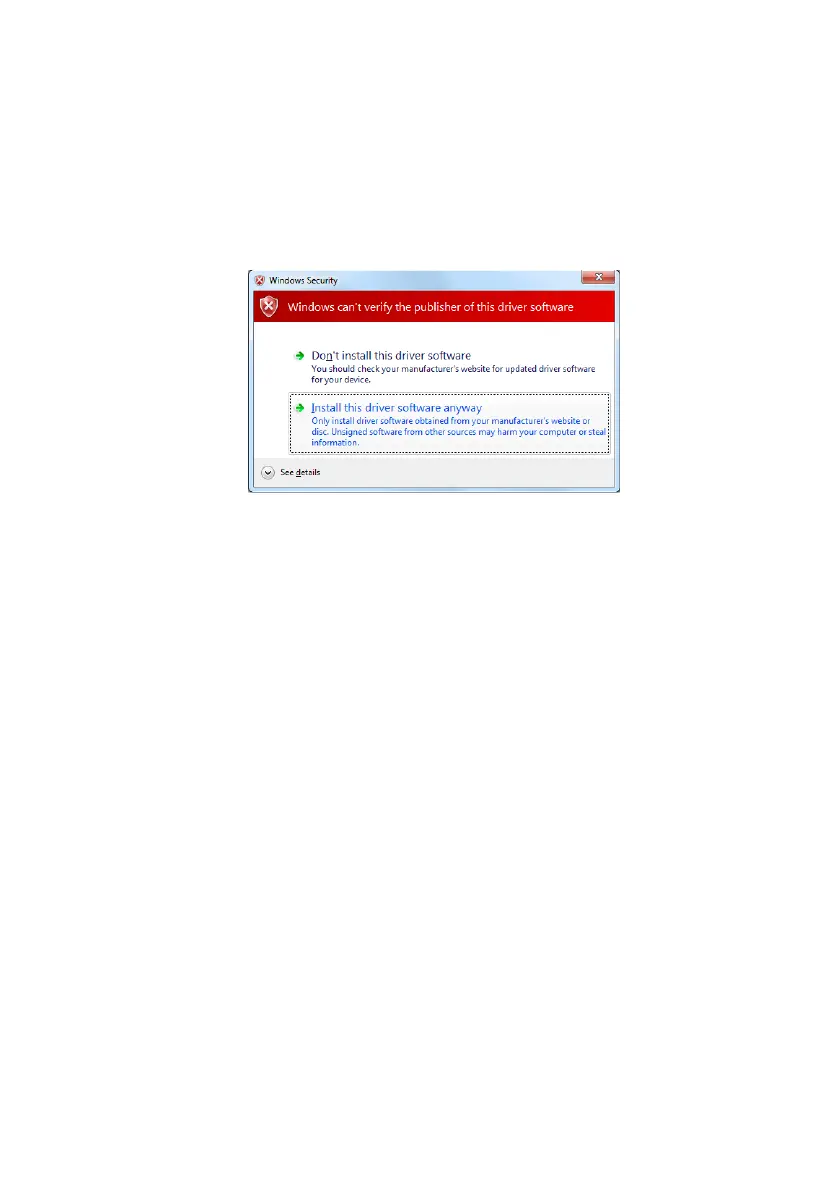
A Windows Security window opens.
10 Click “Install this driver software anyway”. The installation begins.
11 Click “Close” when the installation has finished.
The port driver “Linux USB Ethernet/RNDIS Gadget” is now installed in Control
Panel > Hardware and Sound > Devices and Printers > Device manager >
Network adapters.



 To Next Page