TD 92579EN
15 February 2012 / Ver. H
Installation and Operation Manual
IP-DECT Base Station & IP-DECT Gateway (software version 5.0.x)
107
8.9.5 Export the Users to a csv file
The Users can be exported to a csv file, f
or example for editing or backup reasons.
1 Click “Export”.
2 Click “Save” in the dialog
window that appears.
3 Enter a name of the file and select in which folder
the file should be saved.
4 Click "Save".
Note: Fo
r safety reasons, the Auth. Code and Password will not be included in the csv file.
8.9.6 Show Anonymous
The IPEI / IPDI number is displayed on anonymous registered handsets.
1 Select "Users".
2 Select "Anonymous".
8.10 Device Overview
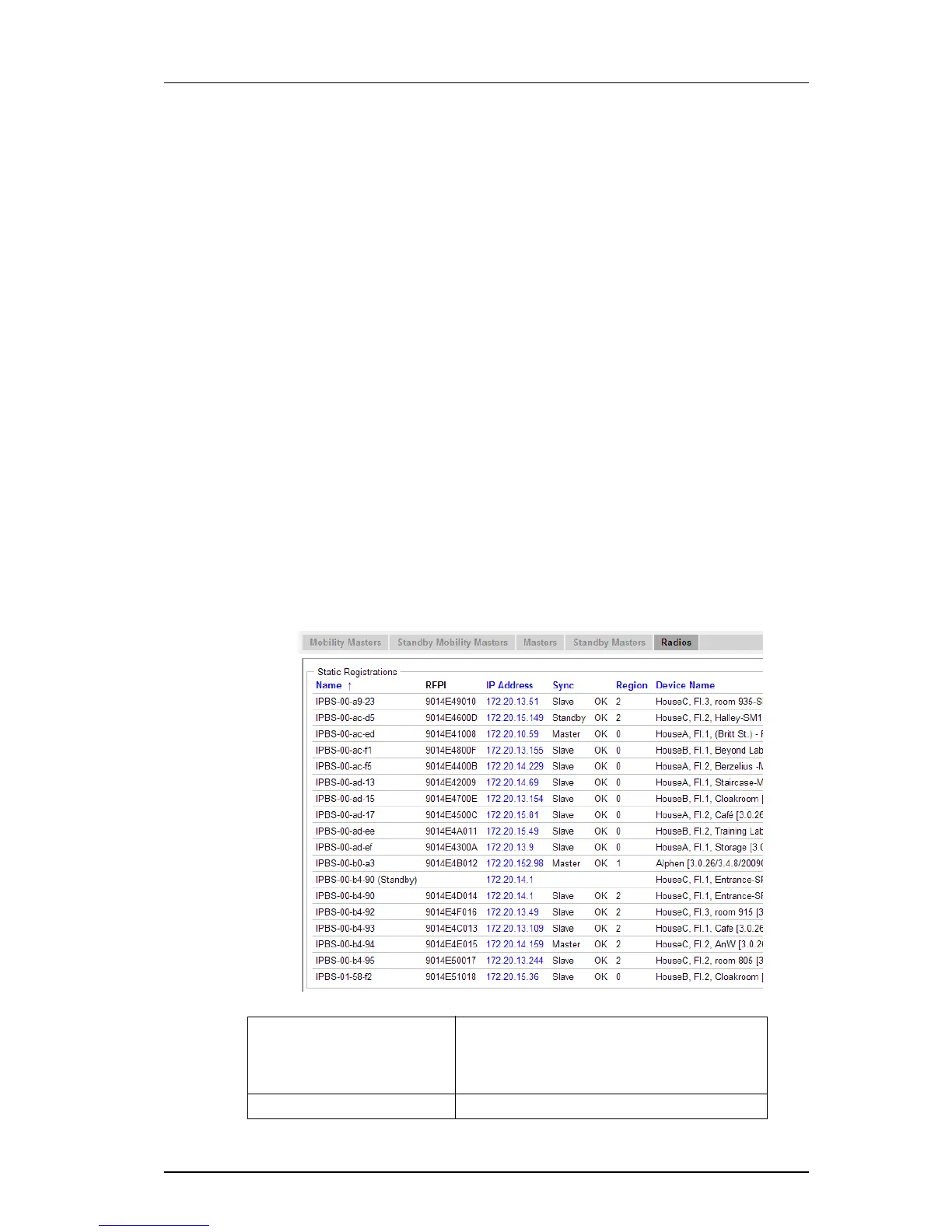
8.10.1 Radios
Information about the devices in the
IP-DECT system.
1 Select Device Overview > Radios.
Figure 23.
Name The unique identification name. The name syntax
is ipbs-xx-xx-xx (or ipbl-xx-xx-xx), where xx-xx-xx
should be replaced with the last 6 hexadecimal
digits of the MAC address.
RFPI Radio Fixed Part Identity.



 To Next Page