TD 92579EN
15 February 2012 / Ver. H
Installation and Operation Manual
IP-DECT Base Station & IP-DECT Gateway (software version 5.0.x)
120
• Third-party VoIP Gateway, as a gateway to telephone switches or, for example, into the
SS7 network
• Further gatekeepers for call control
• VoIP PC programs
Each Gatekeeper interface defines access to a group of devices, which are all treated
similarly. This allows, for example, all VoIP devices at one location to be configured via a
single Gatekeeper interface. Since IP-DECT allows the definition of 12 different groups, it
is able to communicate in all with several hundred VoIP devices.
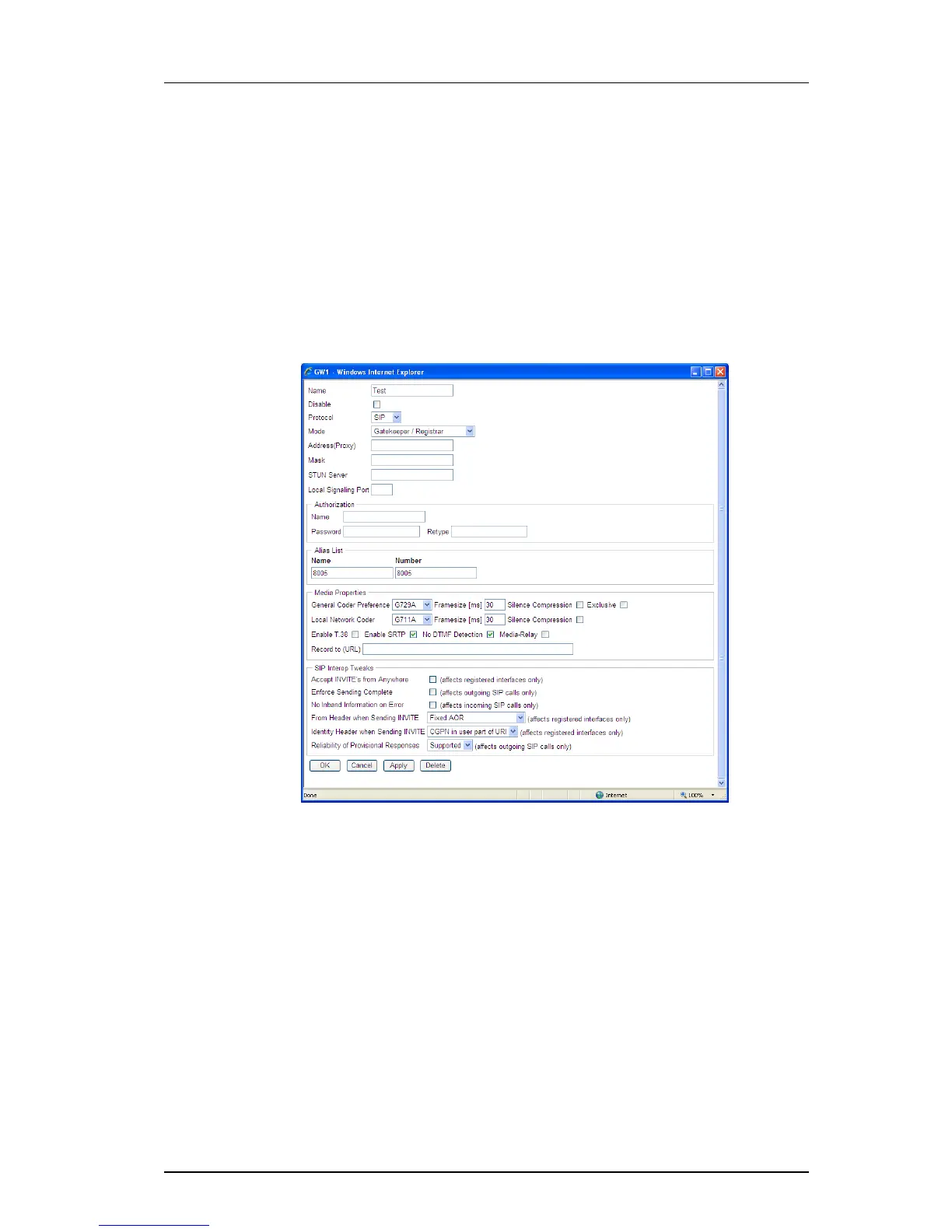
1 Click Gateway > GK.
2 Click the desired interface name to be configured. A new window opens.
3 Select/Enter following settings.
Field name Description
• Name Enter a name for the route.
• Disable Select the Disable check box to disable the route
• Protocol Select one of the values below in the Protocol drop-
down list. Possible values are:
- H.323 - Selecting "H.323" (default ) results in the GUI
displaying a H.323 registration section and a H.323
Interop Tweaks section, both described below.
- SIP - Selecting "SIP" results in the GUI displaying a SIP
registration section and a SIP Interop Tweaks section.
See
8.13.3 SIP Interfaces on page 115 for a description
of these sections.



 To Next Page