TD 92579EN
15 February 2012 / Ver. H
Installation and Operation Manual
IP-DECT Base Station & IP-DECT Gateway (software version 5.0.x)
167
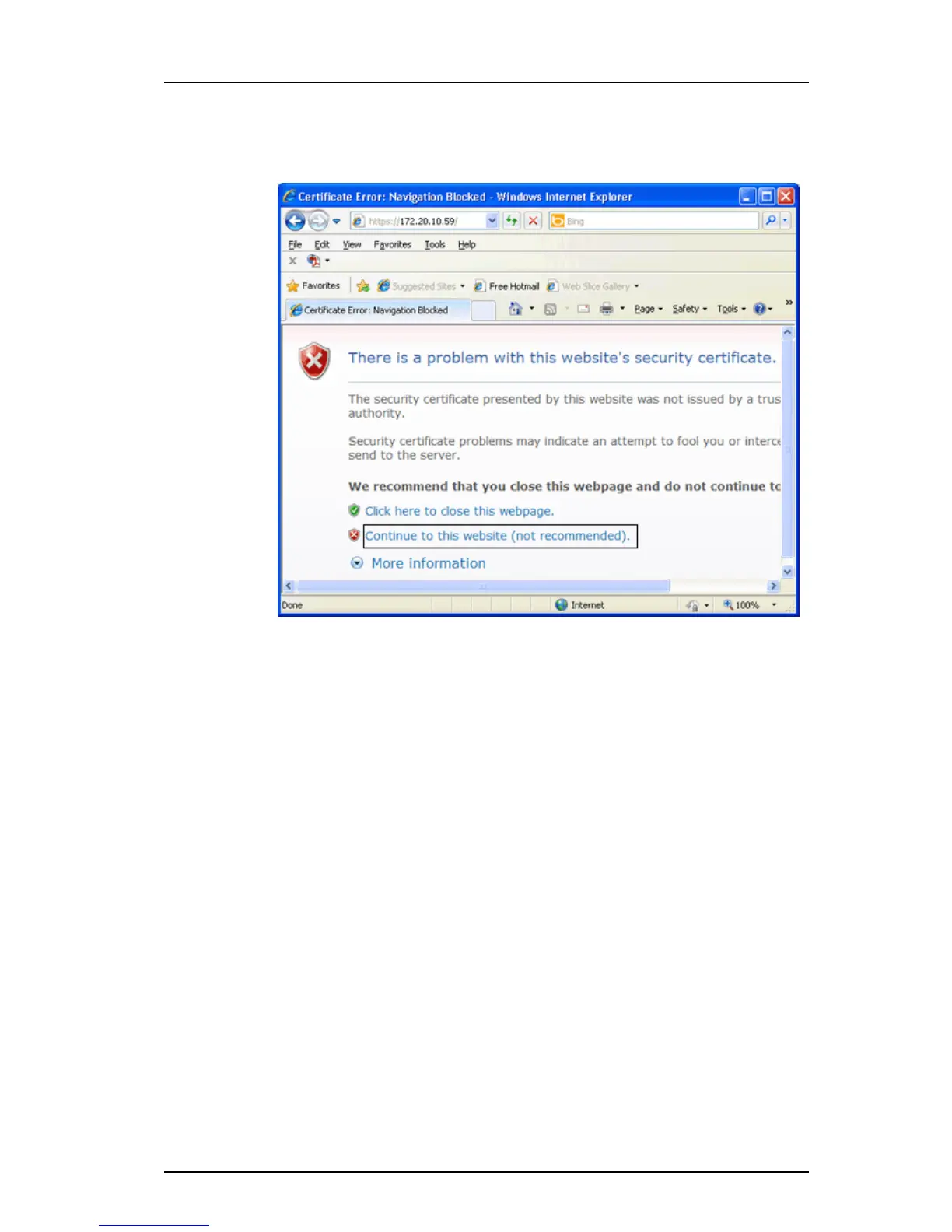
1 Access the GUI for an IPBS/IPBL. A security warning window will appear when using
secure web access (https) to access the GUI.
Figure 7. Security warning window.
2 In the security warning window, click on the
text link "Continue to this website (not
recommended)." The login window for the device will appear.
3 Click on the "Certificate Error" notification in the Security Status bar (next to the
I
nternet Explorer Address bar), see Figure 8. The Security Report window will



 To Next Page