PAGE 13
AUX INPUT FOR CD/IPOD
®
CONNECTION
You can connect a CD or ipod/computer to the AUX IN jack and the audio will play though
the module unit. This is great for playing to your favourite songs.
NOTE: THE AUX IN JACK IS A 1/8” INPUT.
You will probably need to purchase:
From a MP3/COMPUTER to module: 1/8” jack to 1/8” jack (Ashton SC88)
From a CD PLAYER to module: RCA jack to 1/8” jack (Ashton RCA28S)
OUTPUT FOR AUDIO EQUIPMENT CONNECTION
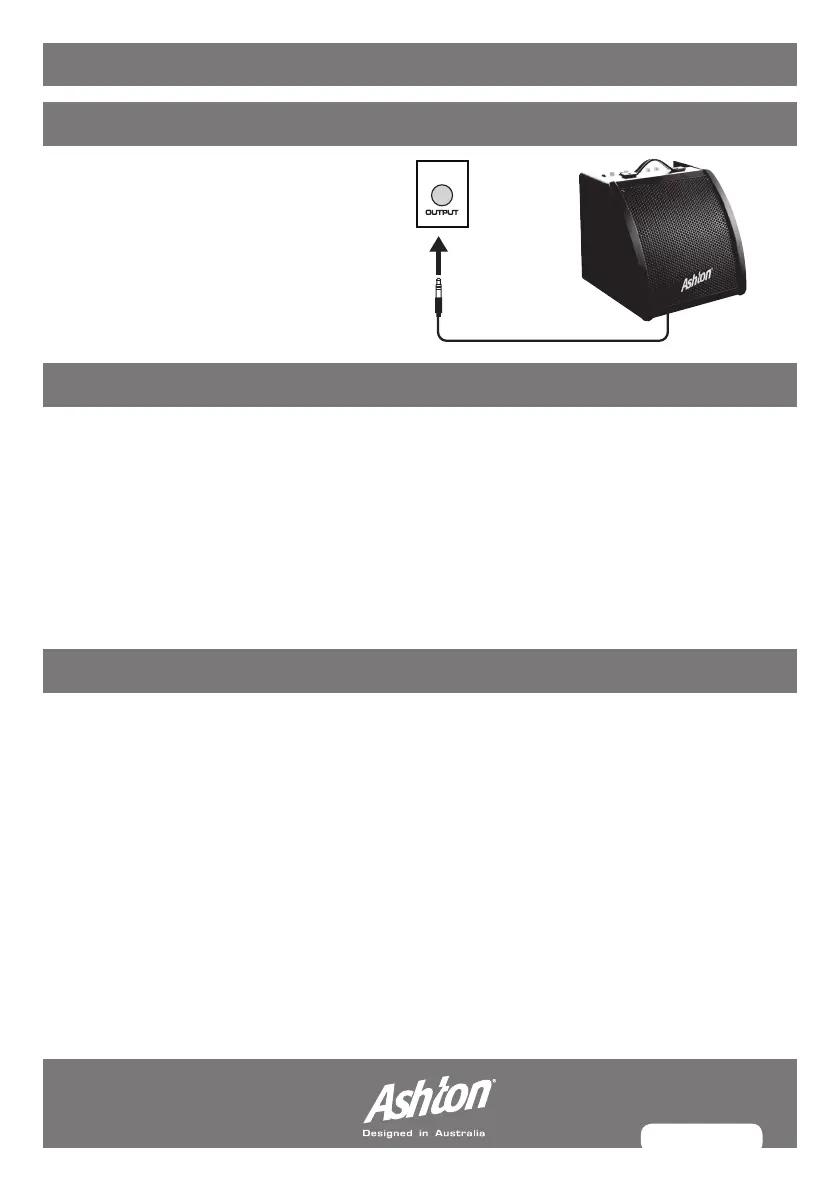
Note: When you want to play your
kit through an amplifier (Ashton DA30
is recommended for electronic drums),
all you need to do is connect a 1/8”
jack from the output jack on the rear
of the module to the input jack on
your amplifier.
HEADPHONES OUTPUT
An optional set of stereo headphones can be connected for quiet practice or if you are
playing in an area with noise restrictions. All you need to do is connect your headphones to
the 1/8” jack on the back of the module.
WARNING: Always minimise the kit volume before attaching headphones.
INPUT & OUTPUT GUIDE


 To Next Page