Getting started
13
Step 6 If you change SSID in step 5, all wireless client stations must use the same SSID as
the Broadband Home Router.
Step 7 Then click Apply.
Step 8 Execute Save and Restart.
Note
If you have multiple PCs on the LAN, you may enable DHCP server function. The Broadband
Home Router implements a built-in DHCP server, which assigns IP addresses to the clients
PCs on the LAN .For detailed settings please refer to the DHCP setting under LAN Setting
section.
For the wireless-interfaced station, you need to set its SSID to the Broadband Home Router’s
default SSID value and disable the WEP encryption.
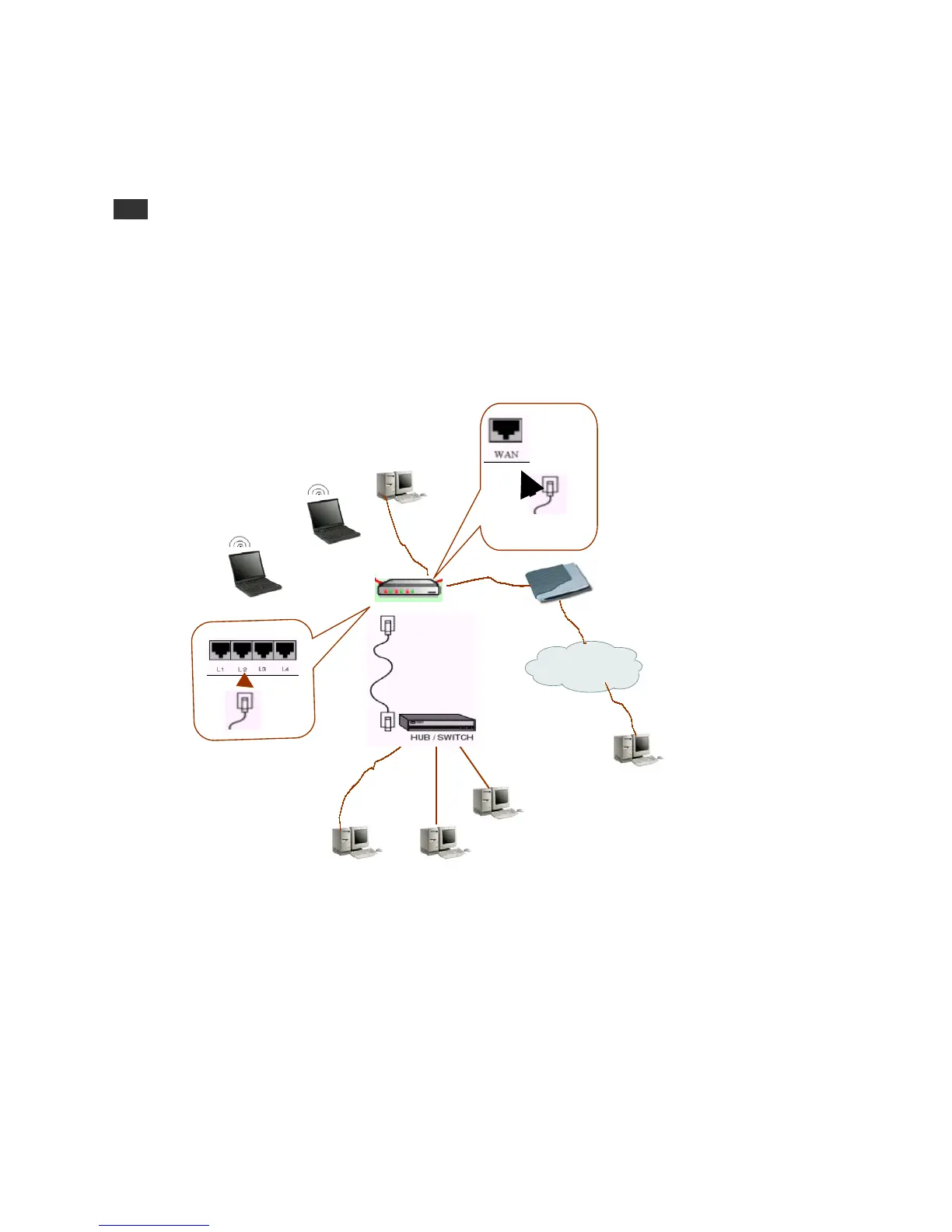
Connection Figure 2
xDSL /
Cable modem
Internet
Remote client
Network 1 Network 2



 To Next Page