Software setup
47
Save
Whenever you specify or modify a parameter, your customizations will be currently effective
after clicking Apply. However, you should perform the Save & Restart task to have current
settings take effect.
By clicking Save, new settings are saved to the flash memory of the Broadband Home Router.
Do not turn off the Broadband Home Router during saving configuration.
Upgrade
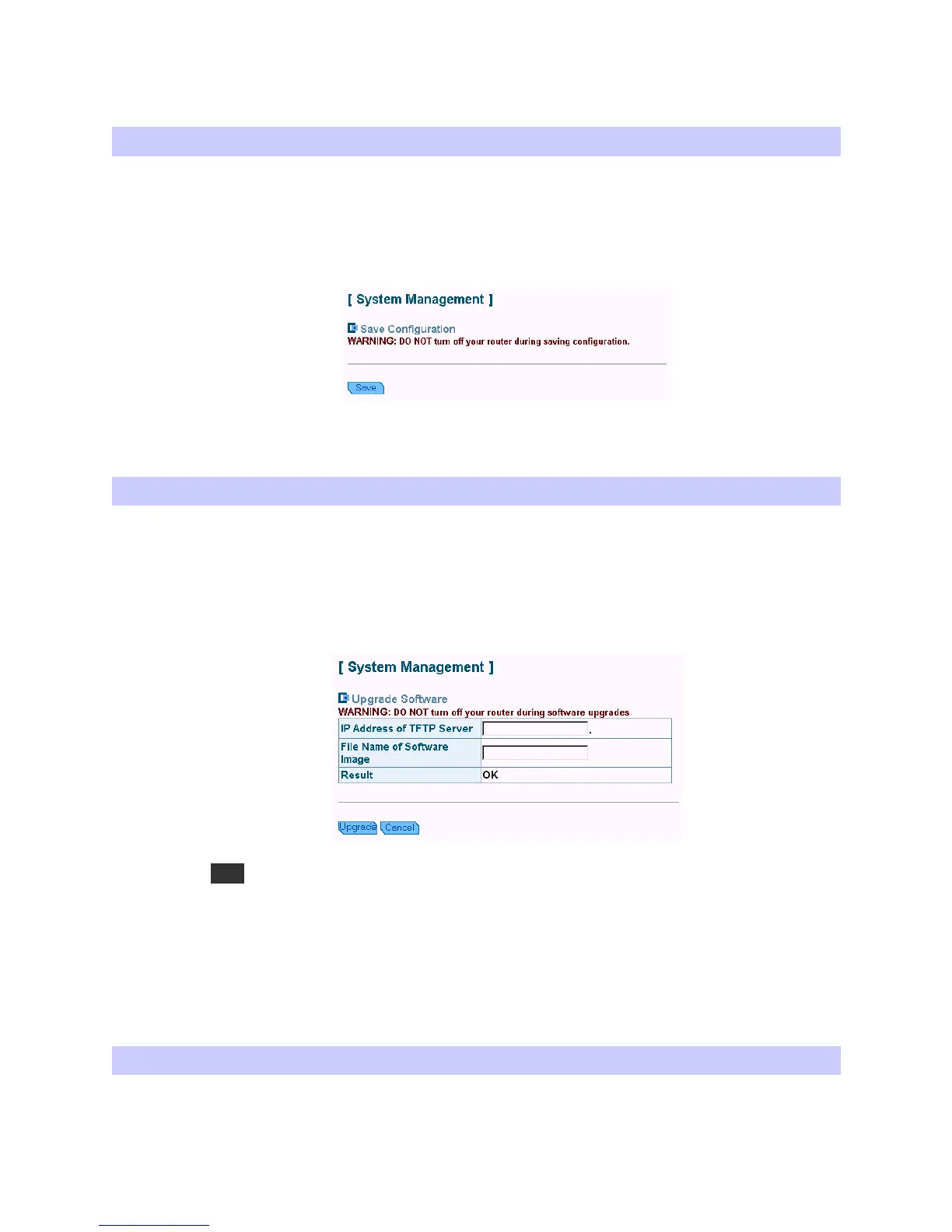
The Broadband Home Router supports the upgrading by using TFTP (Trivial File Transfer
Protocol). The original configuration will still exist and not reset to the factory defaults. To
transfer the firmware file, follow the steps below:
1. Enter the IP address of the TFTP server.
2. Enter the file name of the software image.
3. Click Upgrade.
Note
1. Before upgrading firmware, make sure TFTP server is running.
2. Do not interrupt the upgrade process otherwise it might cause damage to your Router.
Reset
After clicking Save, you should click Restart to have new settings take effect. After
restarting, you should wait for several seconds to let the system come up.



 To Next Page