Software setup
25
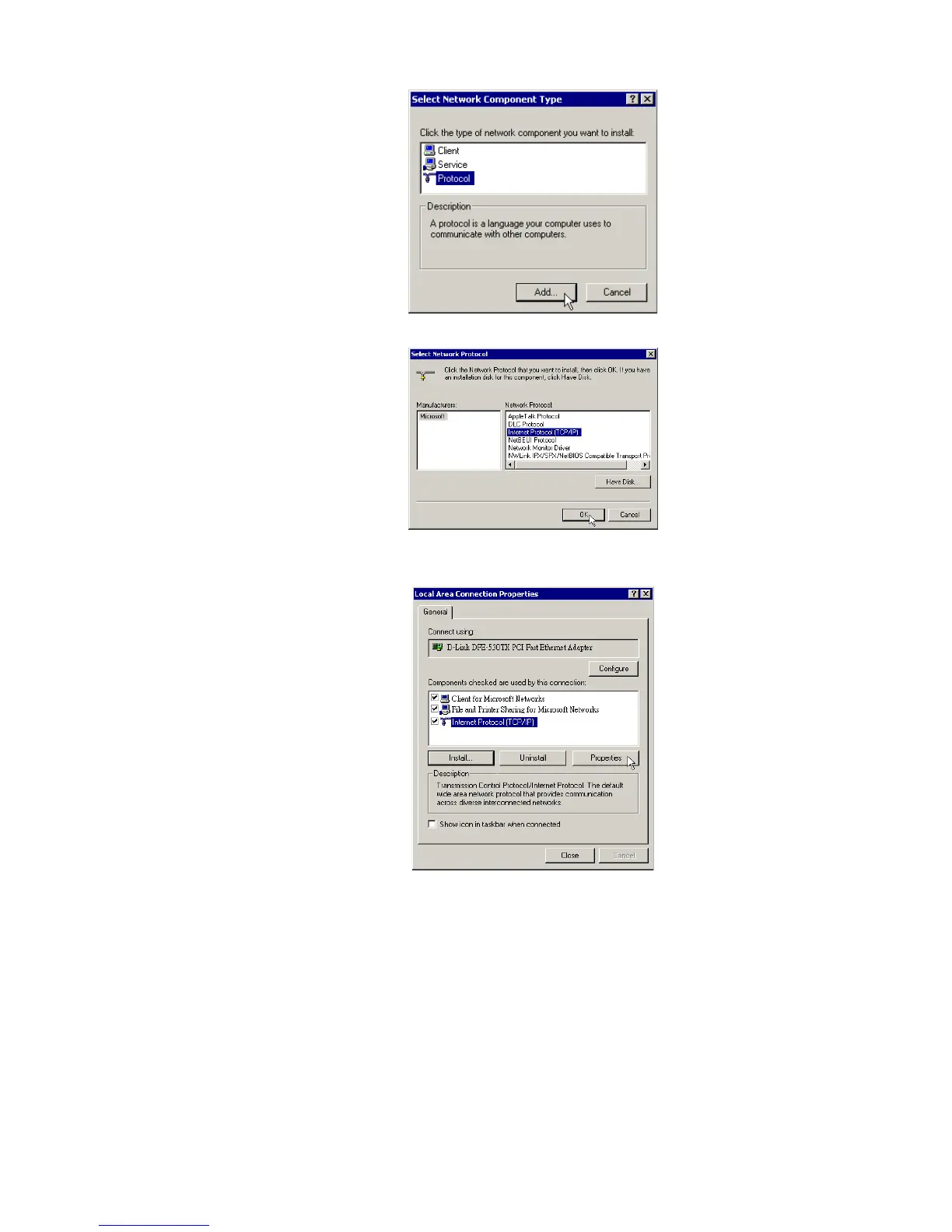
Step 5 Click Internet Protocol(TCP/IP) and then click OK.
Step 6 When returning to Local Area Connection Properties window, highlight Internet
Protocol (TCP/IP) and then click Properties.
Step 7 Under the General tab, enable Use the following IP Address. Enter the IP address:
192.168.0.x (x is between 2 and 254), Subnet Mask: 255.255.255.0 and Default
gateway: 192.168.0.1. Then click OK. When prompted to restart your computer,
reboot it to enable the settings.



 To Next Page