34
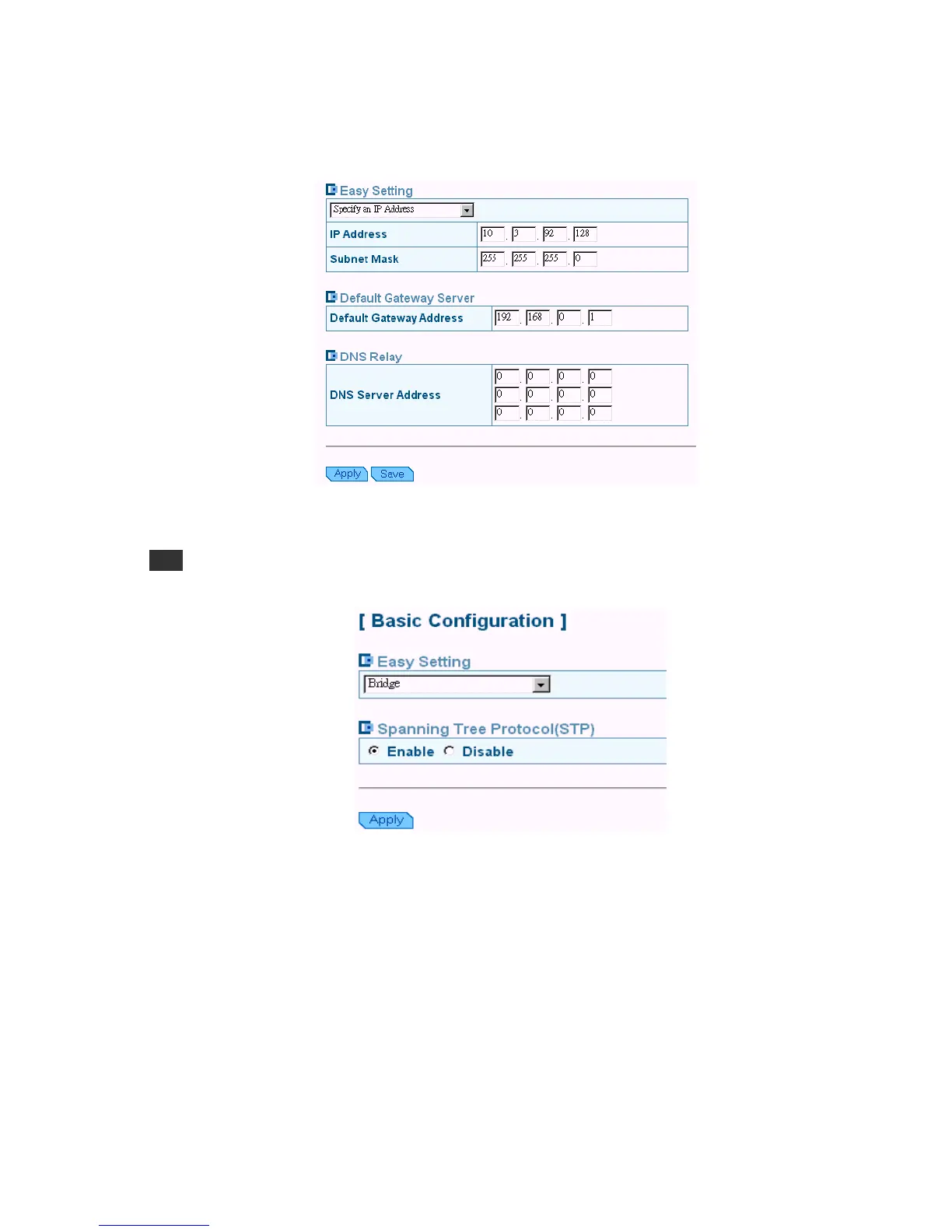
1. Enter the fix IP address, subnet mask and gateway IP address provide by your ISP.
2. You can set up to three DNS servers’ IP addresses here for auxiliary.
3. Click “apply” button.
Bridge: By selecting “Bridge” mode you enable bridging over the WAN port. The router can
bridge the packets from your local network to the remote LAN over the WAN port.
Note
The Bridge mode is commonly used on the LAN to LAN architecture.



 To Next Page