- 8 -
Activation:
In order to activate the function apply a light pressure to the Timer button.
When the function is active the LED indicator of the set speed starts ashing.
When the lights are on, at the end of the Timer function, these automatically reduce the light intensity by
30-40%.
In order to deactivate the function, before the predetermined time, a further pressure of the Timer button,
will switch o the appliance.
Warning! If the intensive speed is operating, the Timer cannot be activated.
• Special Functions (Button E)
Clean Air function:
This function guarantees the continuous recycling of the air in the kitchen for a maximum of 12 hours.
By keeping the Timer button pressed for 4 seconds, when the appliance is switched o, the “CLEAN AIR”
function is activated.
This turns on the motor for 10 minutes every hour at the rst speed; LED 4 ashes with an interval of 1
second ON and 2 seconds OFF.
After this time the motor is switched o and LED 4 remains xed on the display; after another 50 seconds the
motor starts again for another 10 minutes and so on.
- In order to deactivate the “clean air” function press any button except for the lights one.
• Alarm indicators
Active carbon/grease lter saturation:
When the LEDs on the display turn Red this means that the lters must be replaced or washed.
A – Anti grease lters:
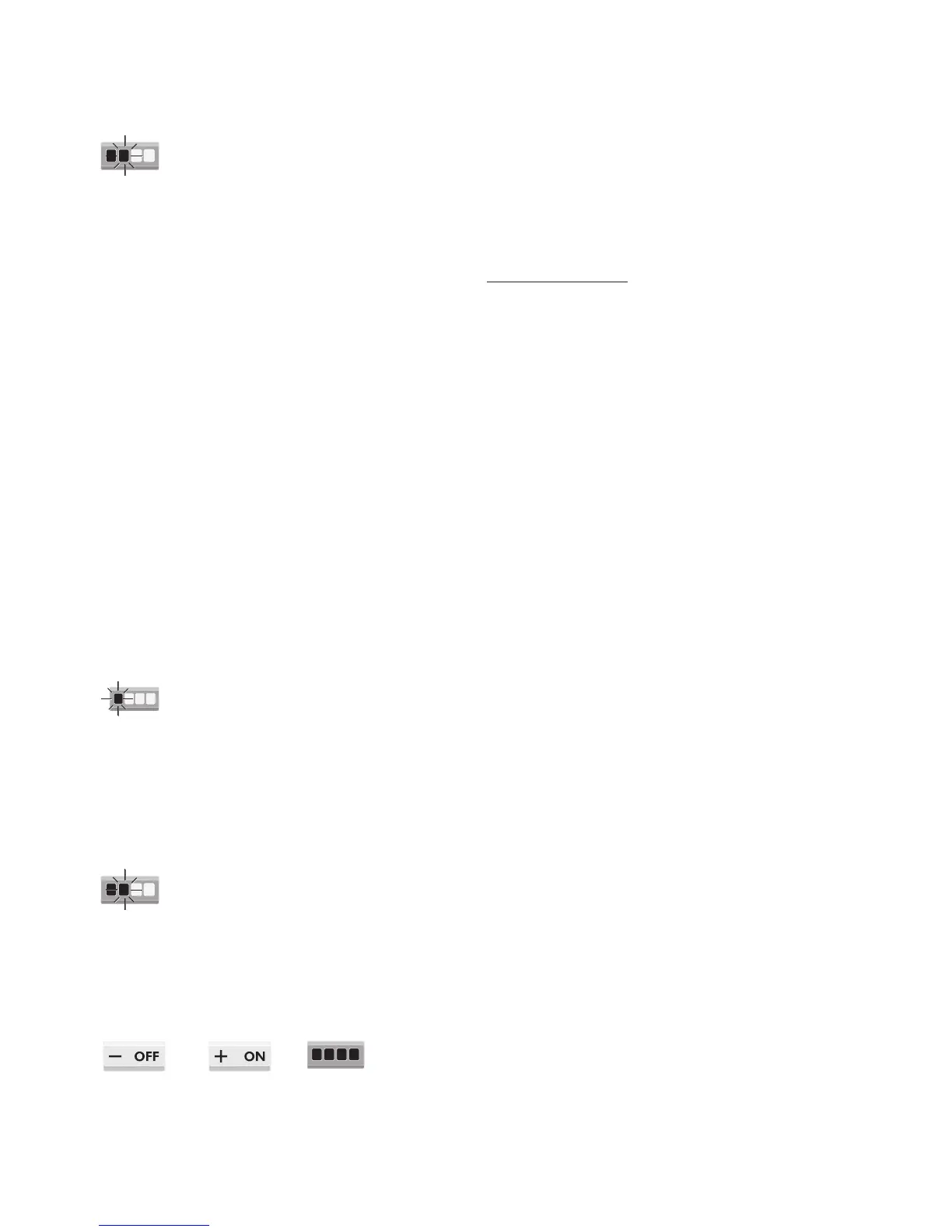
When on the display the LED 1 is RED and starts ashing, it means that 30 hours have elapsed and that the
anti-grease lters have to be washed.
In order to reset the electronic memory press the OFF button for 5 seconds until LED 1 stops ashing.
B – Active Carbon lters:
When on the display the LED 2 is RED and starts ashing, it means that 120 hours have elapsed and that the
active carbon lters have to be replaced.
In order to reset the electronic memory press the OFF button for 5 seconds until LED 2 stops ashing.
Activation of the function for the indication of inserted active carbon lters:
By pressing simultaneously the OFF and ON buttons for 5 seconds the active carbon lters indicator function is
activated with an acoustic indicator of the Buzzer and the switching on for 1 second of all GREEN LEDs.


 To Next Page