68
SERVICE
2
2
3
3
Changing the buzzer
1. Remove the panel in accordance with the sec-
tion "Panel - removing...".
2. Unscrew the buzzer.
3. Fit a new buzzer.
4. Install the panel in accordance with the sec-
tion "Panel - installation...".
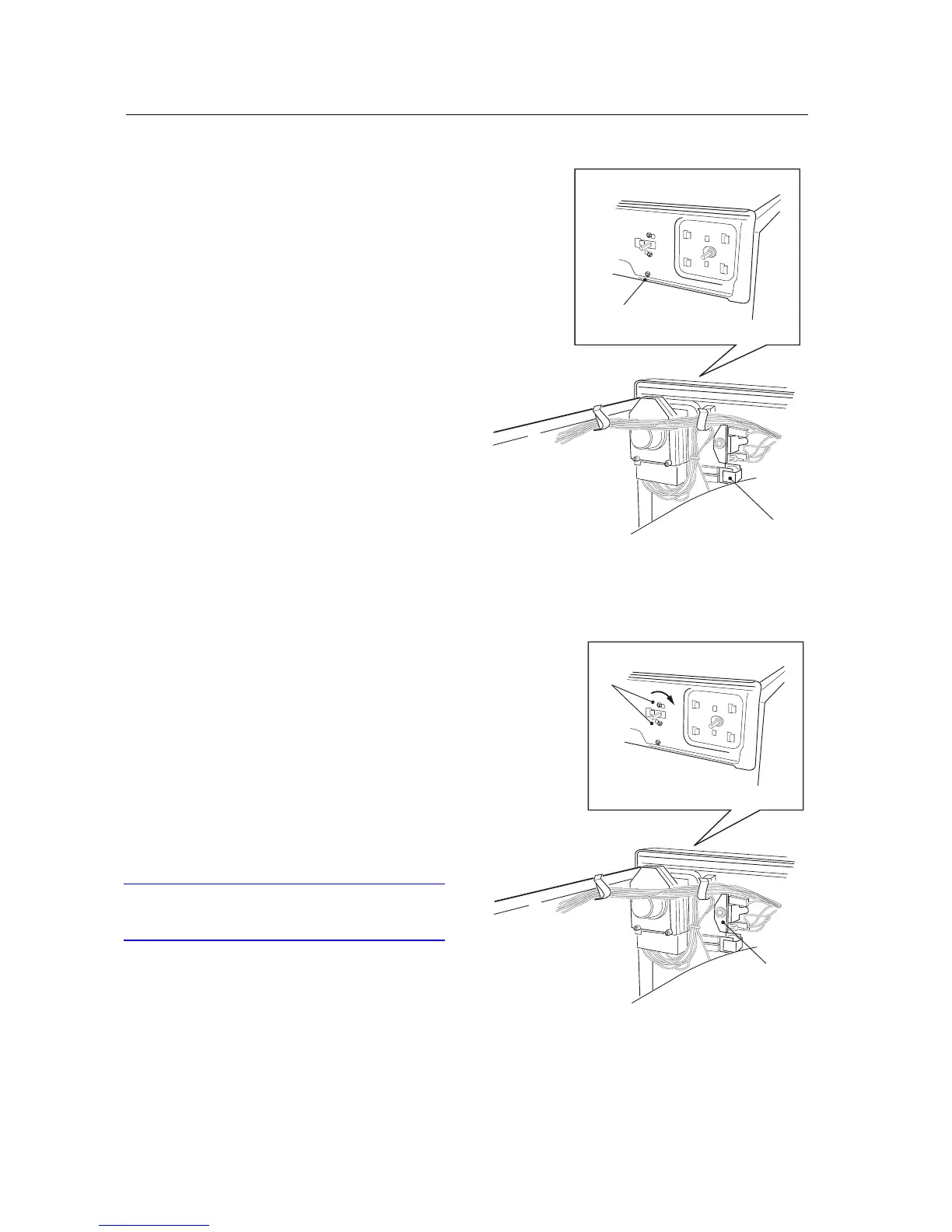
Changing the rotary selector
1. Remove the three screws at the rear edge and
lift off the top cover.
2. Turn the selector so that its markings are up-
right, then pull it off.
3. Put a screwdriver through the hole and remo-
ve the screws. Turn the rotary selector and pull
it backwards.
4. Remove the wiring.
5. Install a new rotary selector.
6. Fit the top cover.
IMPORTANT
Don't forget the 2 star washers for the outermost
screws.



 To Next Page