Service manual TD25
8
Variant settings
The following version settings can be made after replacing the control unit.
Total reset
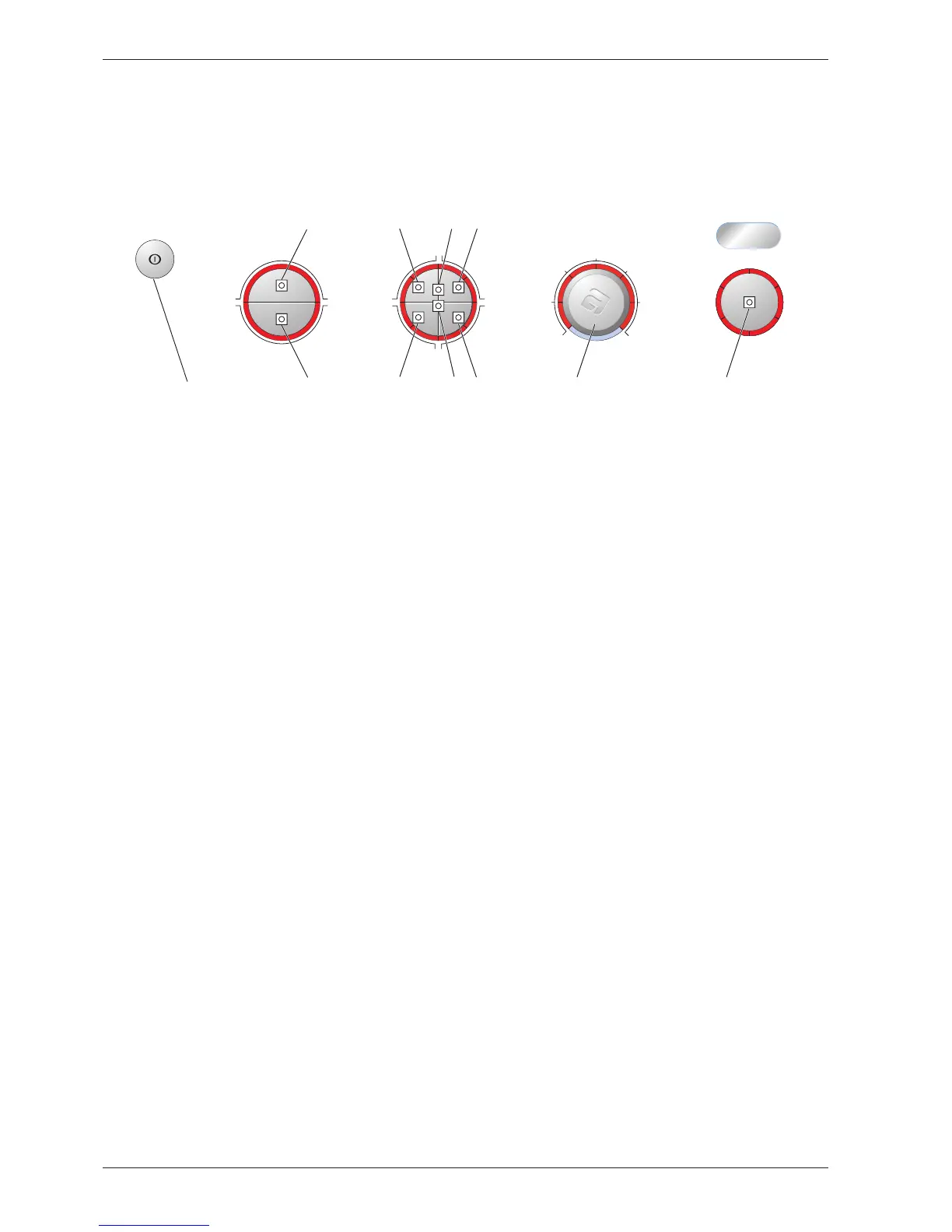
1. Hold the start/stop button (S1) in, start the machine by pressing the main power switch and keep the
start/stop button depressed until one of the LEDs on the panel lights.
Buzzer
1. Hold S5 or S6 pressed in, start the machine by pressing the main power switch and keep S5/S6
pressed in until L1, L13 and L15 start to flash.
2. Change the setting by pressing J1/S2. L8 lights when the buzzer is activated.
3. Confirm your selection by pressing the start/stop button (S1).
10 A or 16 A
1. Hold the start/stop button (S1) in, start the machine by pressing the main power switch and keep the
start/stop button depressed until one of the LEDs on the panel lights.
2. Press the start/stop button (S1) 5 times. L1 starts to flash.
3. Change the setting by pressing S2 or J1. L8 lights when 16 A is activated.
4. Confirm your selection by pressing the start/stop button (S1).
Adjusting drying time
1. Hold the start/stop button (S1) in, start the machine by pressing the main power switch and keep the
start/stop button depressed until one of the LEDs on the panel lights.
2. Press the start/stop button (S1) for a further 5 seconds until L1 starts to flash.
3. Change the setting by pressing S2 or J1. The selected setting is indicated as follows:
No adjustment: no LED:
+ 5 minutes: L8
+10 minutes: L9
+15 minutes: L10
+20 minutes: L11
4.
Confirm your selection by pressing the start/stop button (S1).
The control unit detects and adjusts automatically to the panel layout and machine model when the option
buttons are pressed several times.



 To Next Page