22 of 38
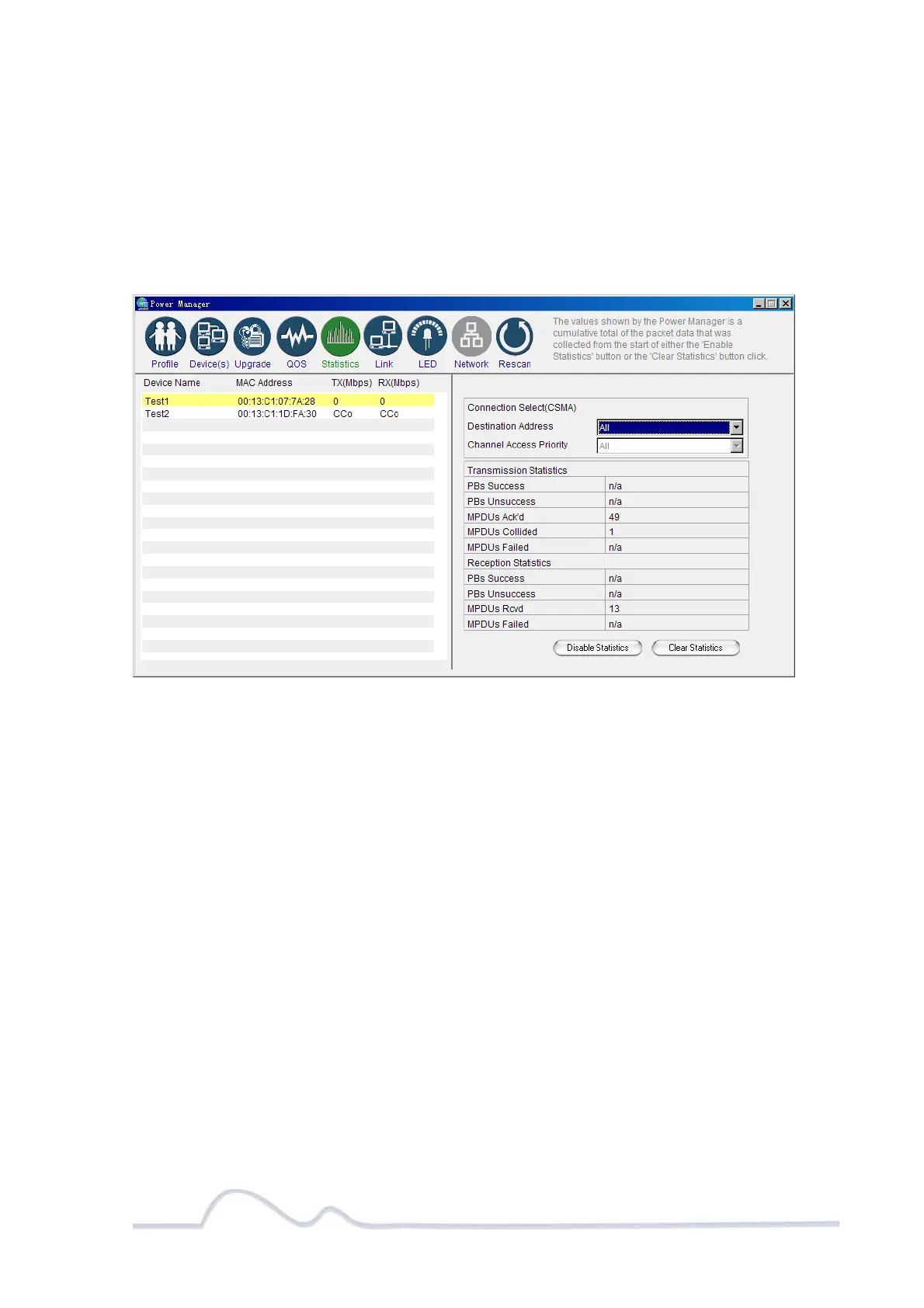
Viewing the Network Statistics screen
The Statistics screen shows information on HomePlug packets that are transmitted and
received by the devices in your network. To enable this function, click Enable
Statistics. The value shown by the Power Manager is a cumulative total of the packet
data that was collected from the start of the “Enabled Statistics” button.
Statistics screen
Viewing the Link screen
The Link Screen has two sub-screens that provide information about your Ethernet and
HomePlug connection.
Ethernet Sub Screen:
The Ethernet sub screen shows the Ethernet connection speed of the local and
destination devices in your network. You can select the destination device in the
Destination Address drop down menu. Click the Retrieve button to get the information.


 To Next Page