25 of 38
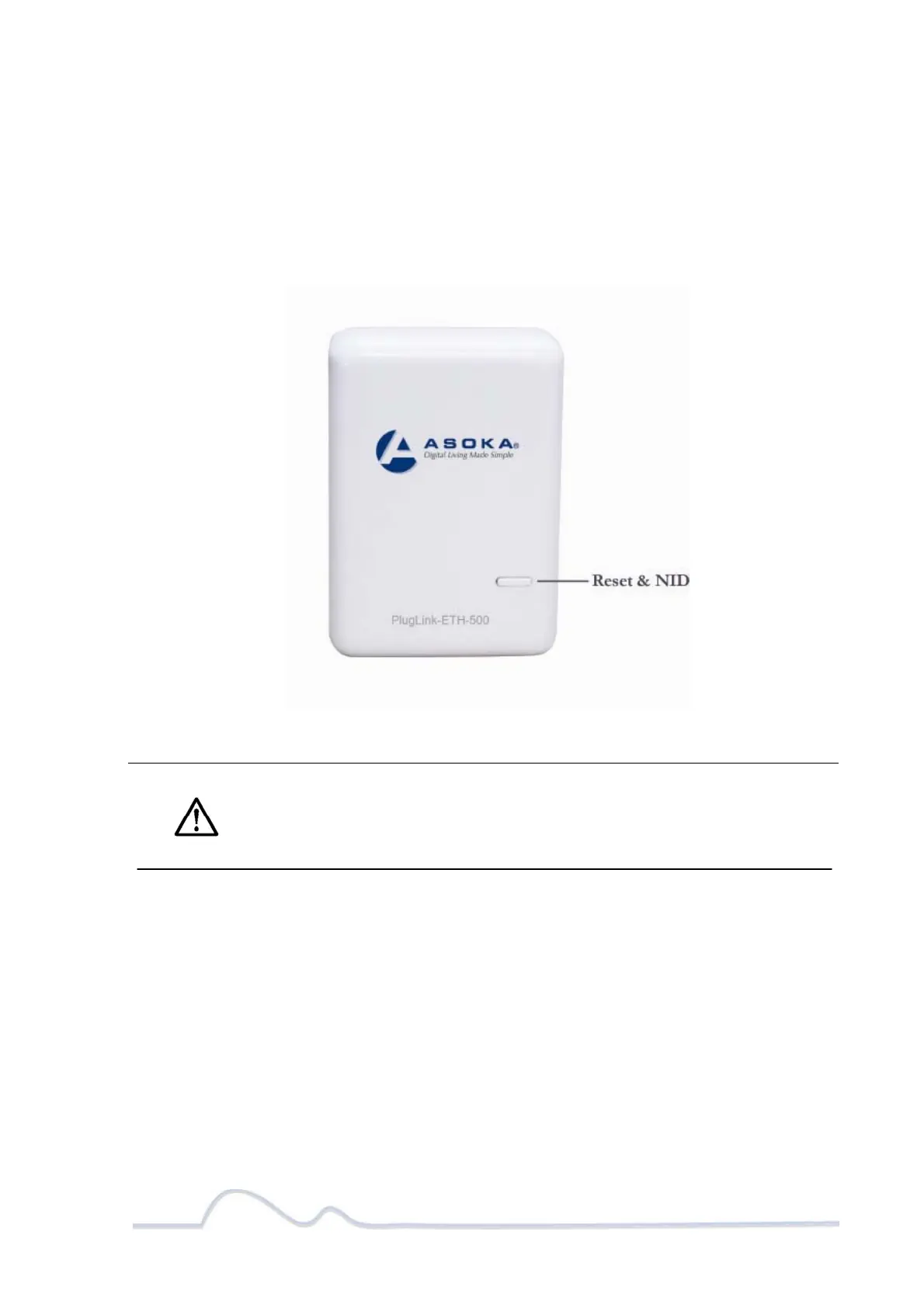
Manually Resetting the Firmware and Network ID (NID)
You can use the buttons on your PlugLink device to reset the firmware back to its
factory defaults, and to create or associate your PlugLink-ETH-500 to a randomized
Powerline Network. For details on how to use the buttons on your PlugLink adapter,
please refer to page 32 of this manual.
Note: The PlugLink device must be plugged into an electrical outlet when
using these buttons. If you have questions, please contact Asoka USA
Technical Support at (408) 550-8173.


 To Next Page