32 of 38
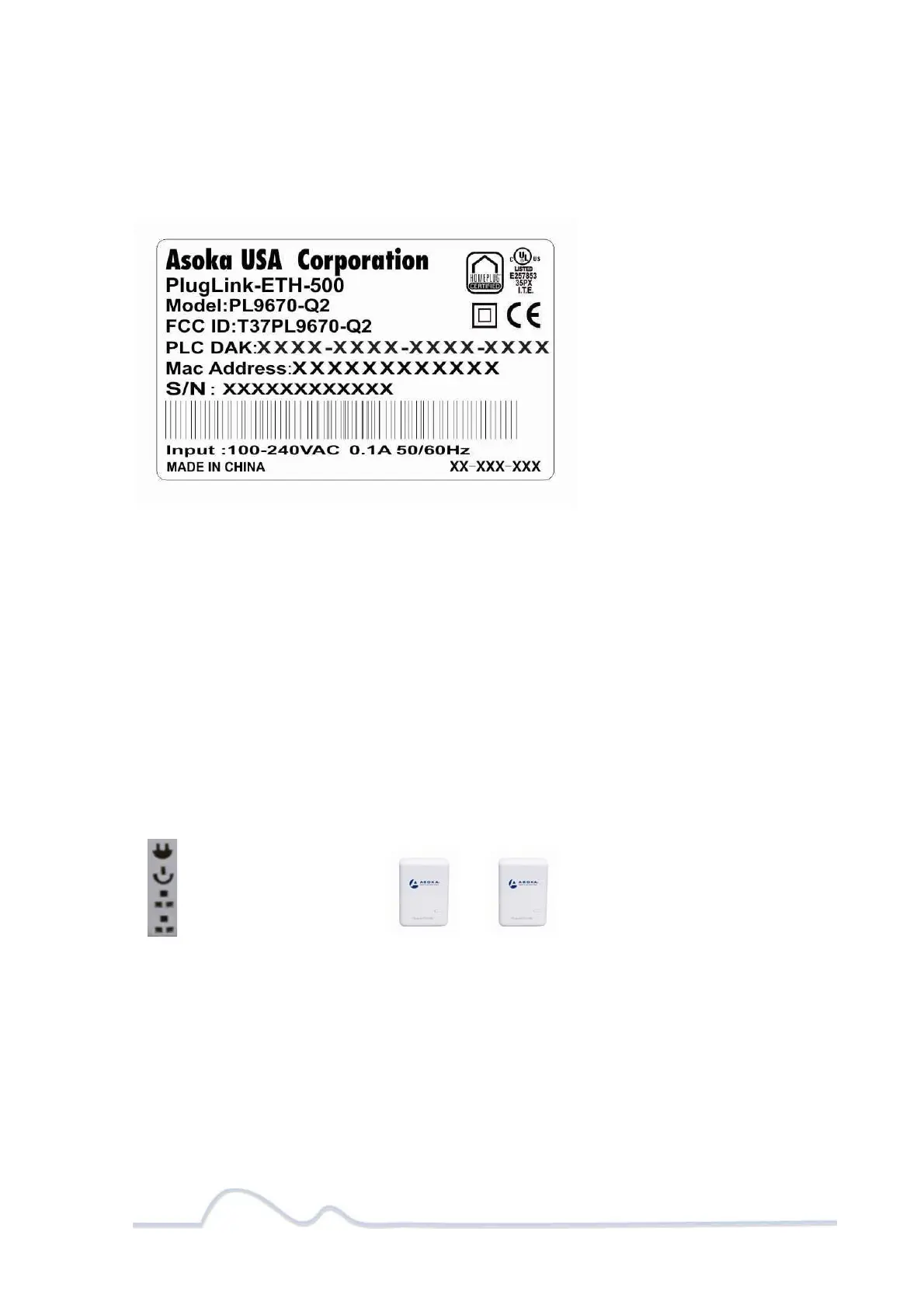
Note: Write this information down in your Warranty Support Information card for future
reference.
Buttons
The PlugLink-ETH-500 device has two hardware push buttons:
FW RST (Firmware Default Reset ) button – Resets the PlugLink-ETH-500 back to factory default
settings. Press and hold the button with a pin or sharp object for about 2 seconds until you see
the lights on the device flash briefly.
SECURITY (Network ID) button – All PlugLink-ETH-500 devices have a default password
Network Encryption Key (NEK) set to “HomePlugAV” allowing them to communicate to each
other. The SECURITY button allows you to set a devices’ password to a randomized Network
Encryption Key (NEK) for maximum security. You can then set other devices to the same NEK by
using their SECURITY button. Only units with the same NEK can communicate to each other.
SETTING A RANDOMIZED NETWORK PASSWORD
Select a PlugLink-ETH-500 (Device A) and plug into an AC outlet. The POWER light indicator
should be lit solid green.
Press the SECURITY button BRIEFLY (1 second) and release. The POWER light should now be
blinking green.
IMPORTANT: If the POWER light is not blinking green, repeat Step “a” until the power light
blinks green.
This unit is now ready to create a new randomized NEK (Net Encryption Key) network. This unit
will remain in this “adder” mode for about 2 minutes.
Select another PlugLink-ETH-500 (Device B) and plug into a second outlet.
Press the SECURITY button BRIEFLY (1 second) and release. The POWER light should now be
blinking green.
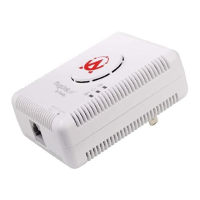
DeviceA DeviceB
PLCACTlight
Powerlight
Ethernetlight
Ethernetlight


 To Next Page