23
CHAPTER 3: MESSAGING
3.1 USING MESSAGE
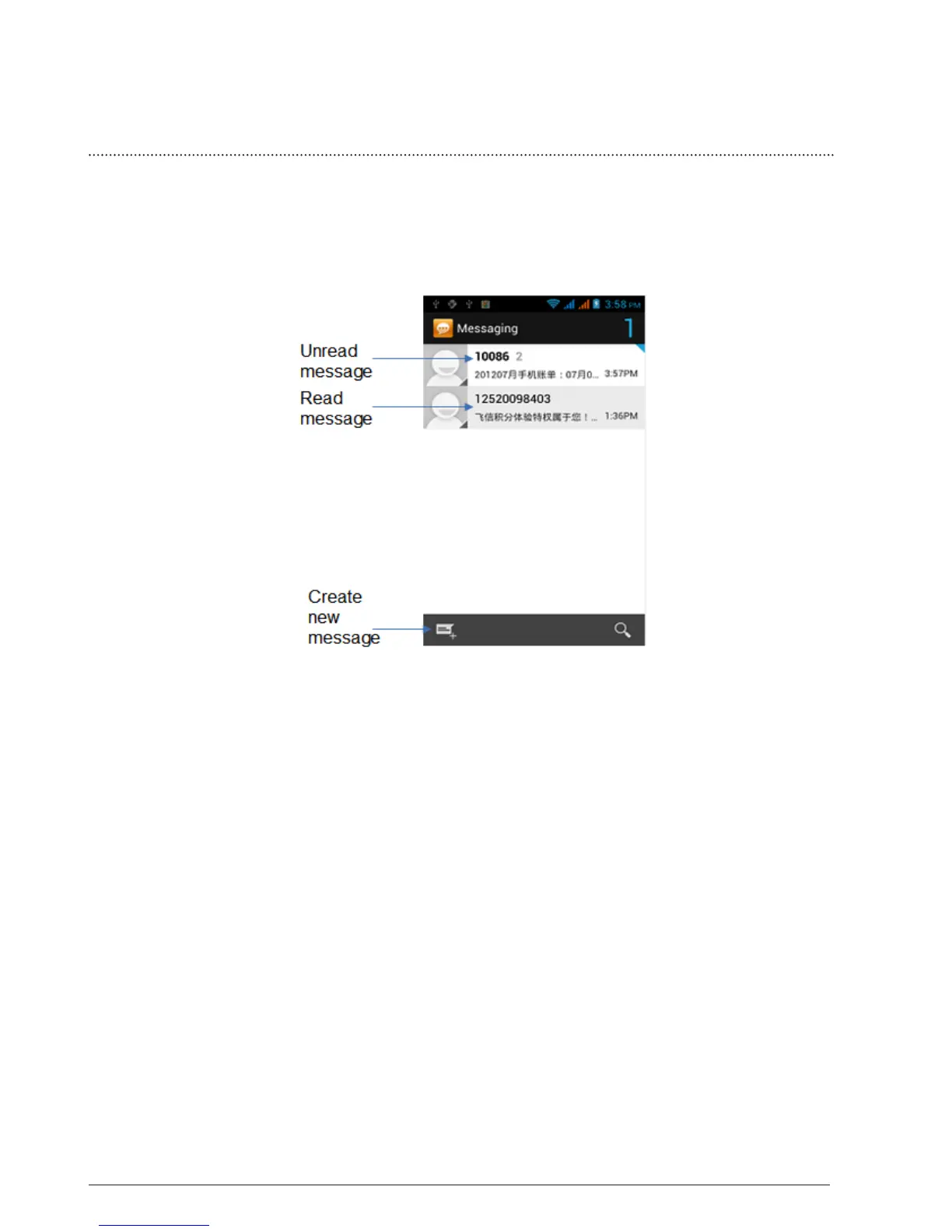
Message lets you compose and send text (SMS) and multimedia messages (MMS)
to other mobile phones. Tap the message icon on the home screen.
3.1.1 Open Messaging
3.1.2 Creating and sending SMS and MMS messages
You can compose text (SMS) messages of up to 160 characters. If you
continue to type after the limit is reached, your message will be delivered
as one, but count as more than one message for charging purposes.
These are called concatenated messages.
Multimedia messages, also known as MMS, can contain text and a picture,
a recorded voice, an audio or video file, a picture slideshow.
3.1.3 To create and send a text message
1. On the All Messages screen, tap create and the compose screen
opens.
2. Enter the phone number (the message recipient) in the To field. As
you enter the phone number, matching contacts will appear on the
screen. Tap a recipient or continue entering the recipient’s phone
number. Note: Only existing contacts mobile phone numbers are
displayed.



 To Next Page