28
CHAPTER 3: MESSAGING
CHAPTER 4: CAMERA & MULTIMEDIA
3. Press BACK to save your changes.
3.2.6 Deleting an email account
1. On the email account Inbox screen, press Menu -> Accounts.
2. On the accounts list screen, press and hold the account, on the popup option,
select Remove Account.
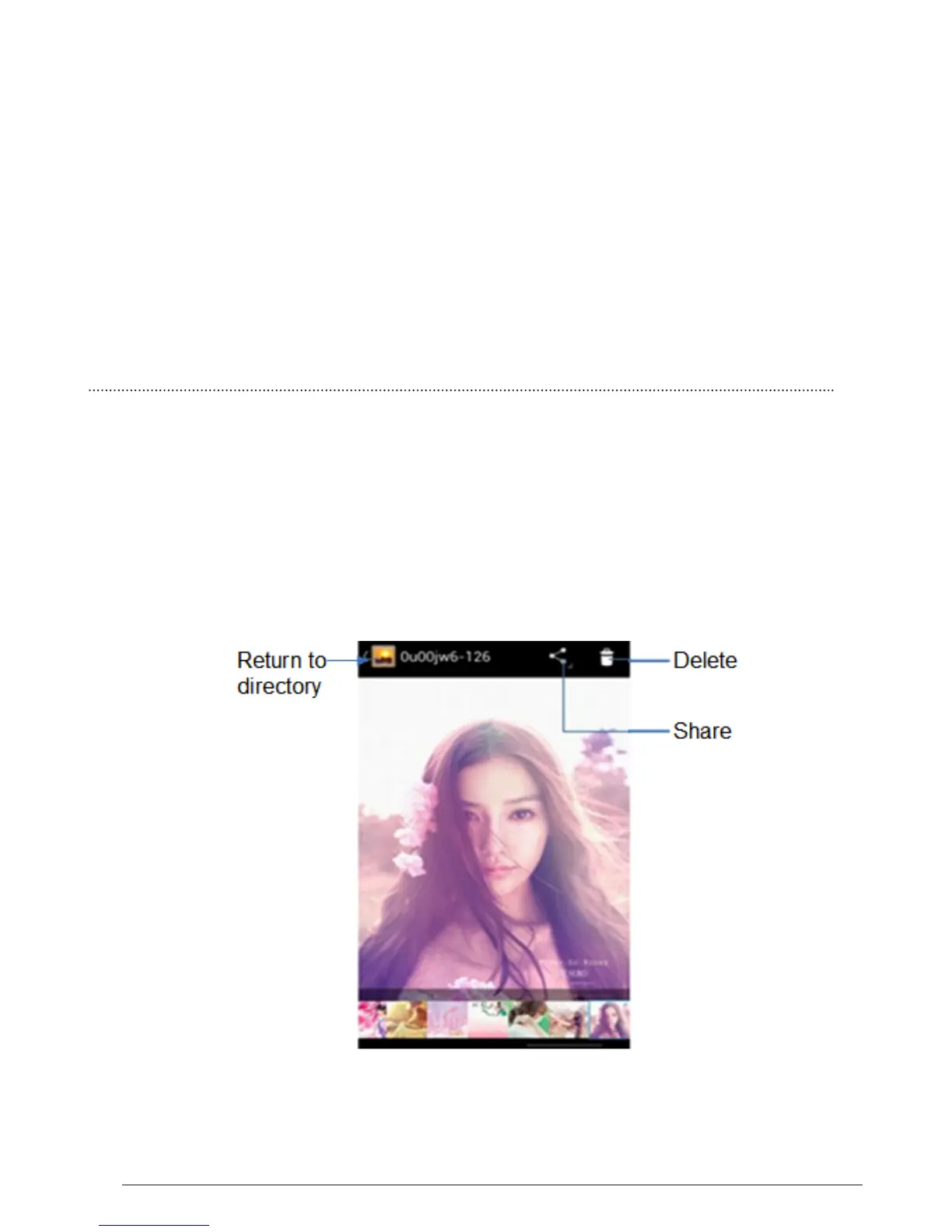
All pictures or videos that you capture on your phone are stored on the storage
card. Photos lets you view photos and videos on the Phone, in your:
1. Camera Roll album— are shots you took with the built-in camera, or saved
from an email, text message, or webpage.
2. Photo Stream Album.
3. Photo Library and other albums synced from your computer.



 To Next Page