30
CHAPTER 4: CAMERA & MULTIMEDIA
4.2 CAMERA
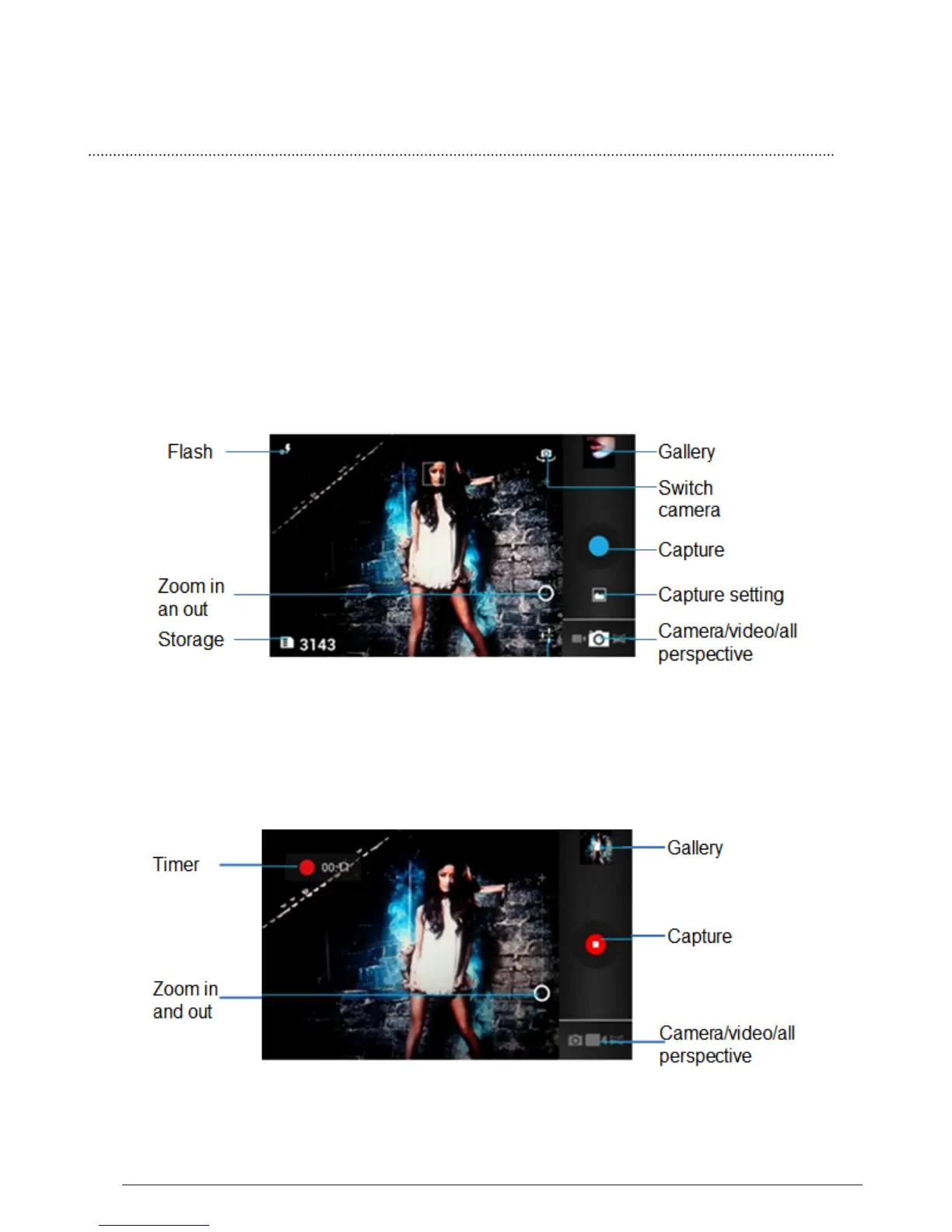
The built-in camera lets you take both still photos and videos. Phone includes a
front camera for Face Time and self-portraits (in addition to the main camera on
the back), and an LED flash.
All pictures or videos that you capture on your phone are stored on the storage card.
4.2.1 Taking photos
When you open Camera, the preview screen orientation will depend on how you
are holding the phone.



 To Next Page