52 53
English
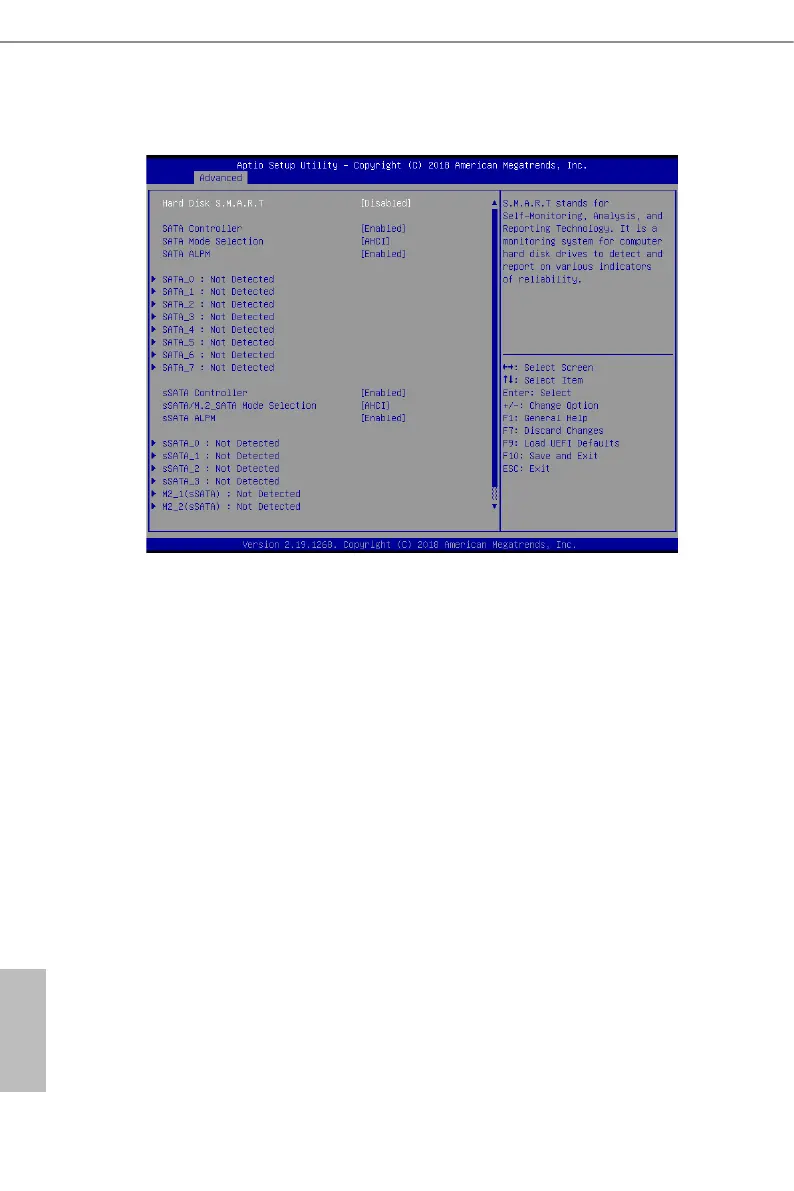
3.3.4 Storage Conguration
Hard Disk S.M.A.R.T.
Use this item to enable or disable the S.M.A.R.T. (Self-Monitoring, Analysis, and Reporting
Technology) feature. Conguration options: [Disabled] and [Enabled].
SATA Controller
Use this item to enable or disable SATA Controllers.
SATA Mode Selection
Identify the SATA port is connected to Solid State Drive or Hard Disk Drive. Press
<Ctrl+I> to enter RAID ROM during UEFI POST process.
SATA ALPM
Use this item to enable or disable SALP.
sSATA Controller
Use this item to enable or disable SATA Controllers.
sSATA/M.2_SATA Mode Selection
Identify the sSATA/M.2_SATA port is connected to Solid State Drive or Hard Disk Drive.
Press <Ctrl+I> to enter RAID ROM during UEFI POST process.



 To Next Page
 Loading...










