EP2C621D12 WS
82 83
English
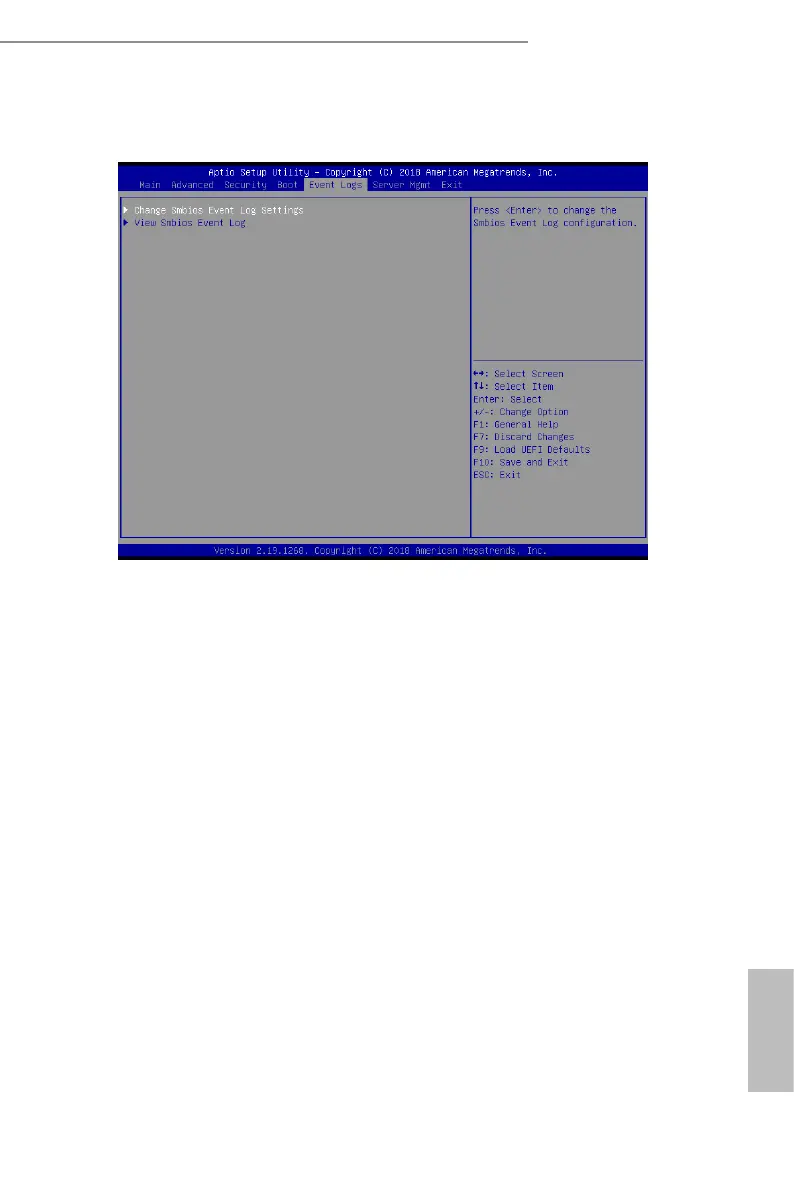
3.6 Event Logs
Change Smbios Event Log Settings
is allows you to congure the Smbios Event Log Settings.
When entering the item, you will see the followings:
Smbios Event Log
Use this item to enable or disable all features of the SMBIOS Event Logging during system
boot.
Erase Event Log
The options include [No], [Yes, Next reset] and [Yes, Every reset]. If Yes is selected, all
logged events will be erased.
When Log is Full
Use this item to choose options for reactions to a full Smbios Event Log. The options
include [Do Nothing] and [Erase Immediately].
Log System Boot Event
Choose option to enable/disable logging of System boot event.
MECI (Multiple Event Count Increment)
Use this item to enter the increment value for the multiple event counter. e valid range is
from 1 to 255.
METW (Multiple Event Time Window)
Use this item to specify the number of minutes which must pass between duplicate log



 To Next Page
 Loading...










