60 61
English
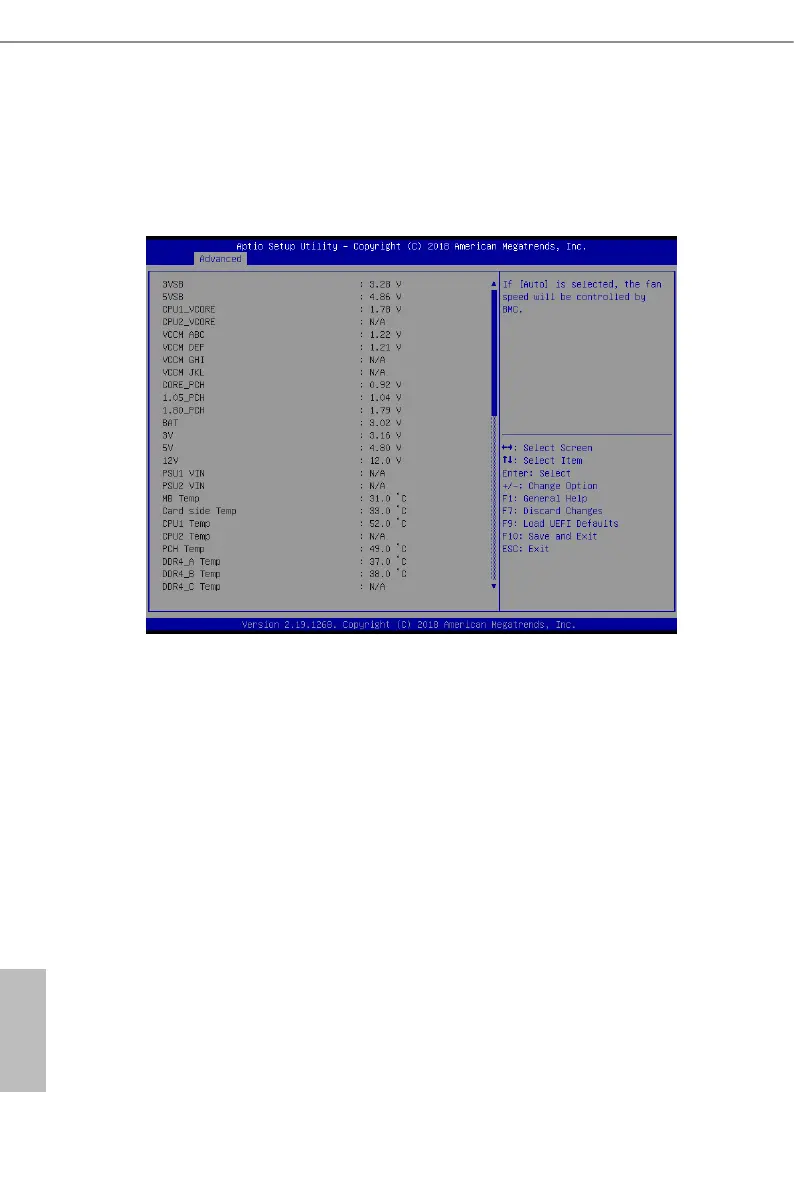
3.3.9 H/W Monitor
In this section, it allows you to monitor the status of the hardware on your system, includ-
ing the parameters of the CPU temperature, motherboard temperature, CPU fan speed,
chassis fan speed, and the critical voltage.
Fan Control
If [Auto] is selected, the fan speed will controlled by BMC.
If [Manual] is selected, congure the items below.
CPU1_FAN1
is allows you to set the CPU1 fan1’s speed. e default value is [Smart Fan].
CPU2_FAN1
is allows you to set the CPU2 fan1’s speed. e default value is [Smart Fan].
REAR_FAN1
is allows you to set the Rear fan1’s speed. e default value is [Smart Fan].
FRNT_FAN1
is allows you to set the Front fan1’s speed. e default value is [Smart Fan].
FRNT_FAN2
is allows you to set the Front fan2’s speed. e default value is [Smart Fan].



 To Next Page
 Loading...










