EP2C621D12 WS
78 79
English
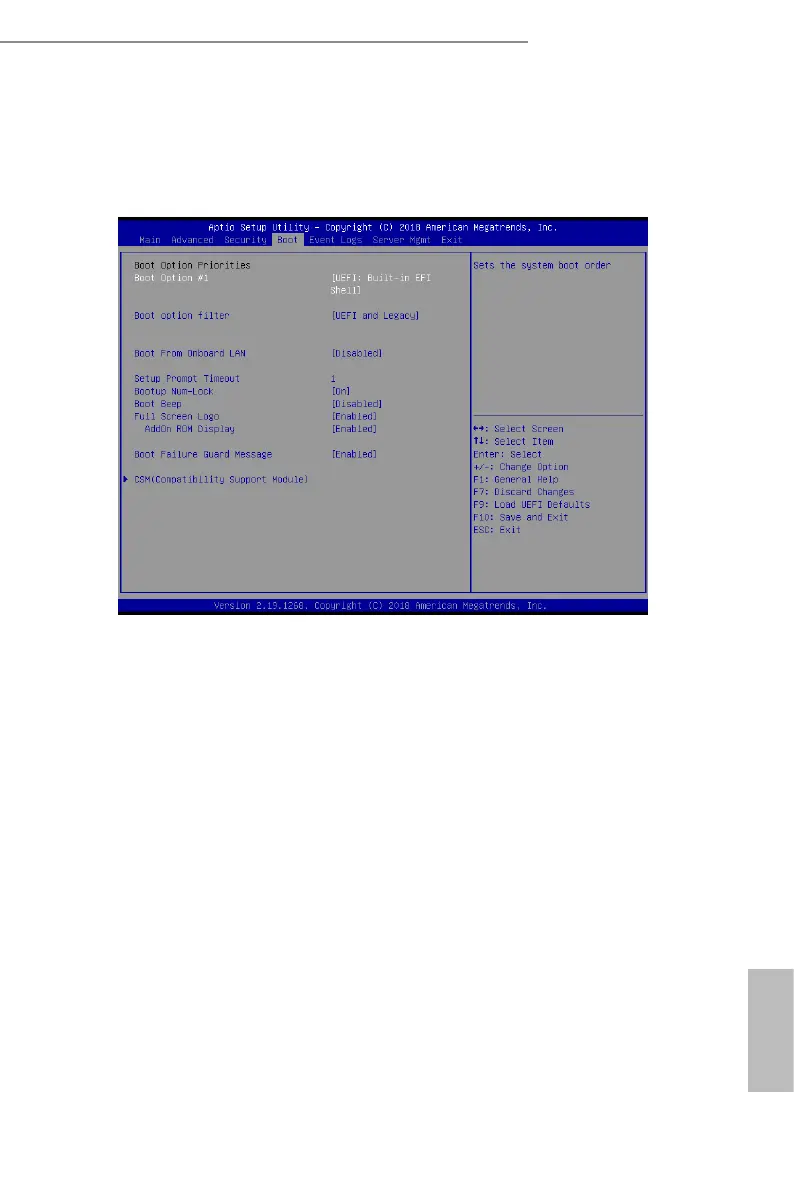
3.5 Boot Screen
In this section, it will display the available devices on your system for you to congure the
boot settings and the boot priority.
Boot Option #1
Use this item to set the system boot order.
Boot Option Filter
is option controls Legacy/UEFI ROMs priority.
Boot From Onboard LAN
Use this item to enable or disable the Boot From Onboard LAN feature.
Setup Prompt Timeout
Congure the number of seconds to wait for the UEFI setup utility.
Bootup Num-Lock
If this item is set to [On], it will automatically activate the Numeric Lock function aer
boot-up.
Boot Beep
Select whether the Boot Beep should be turned on or o when the system boots up. Please



 To Next Page
 Loading...










