12
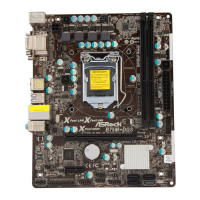
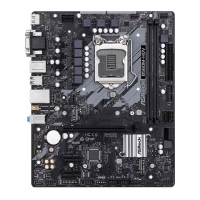
ASRock B75M-DGS R2.0 Motherboard
English
Front Panel Audio Header This is an interface for front
(9-pin HD_AUDIO1)
panel audio cable that allows
(see p.2, No. 22)
convenient connection and
control of audio devices.
chassis must support HDA to function correctly. Please follow the
instruction in our manual and chassis manual to install your system.
2. If you use AC’97 audio panel, please install it to the front panel audio
header as below:
A. Connect Mic_IN (MIC) to MIC2_L.
B. Connect Audio_R (RIN) to OUT2_R and Audio_L (LIN) to OUT2_L.
USB 3.0 Header Besides two default USB 3.0
(19-pin USB3_2_3)
ports on the I/O panel, there is
(see p.2, No. 7)
one USB 3.0 header on this
motherboard. This USB 3.0
header can support two USB 3.0
ports.
Infrared Module Header This header supports an
(5-pin IR1)
optional wireless transmitting
(see p.2, No. 25)
and receiving infrared module.
J_SENSE
OUT2_L
1
MIC_RET
PRESENCE#
GND
OUT2_R
MIC2_R
MIC2_L
OUT_RET
USB 2.0 Headers Besides four default USB 2.0
(9-pin USB4_5)
ports on the I/O panel, there are
(see p.2, No. 19)
two USB 2.0 headers on this
motherboard. Each USB 2.0
header can support two USB 2.0
(9-pin USB6_7)
ports.
(see p.2, No. 18)


 To Next Page
 Loading...