12
English
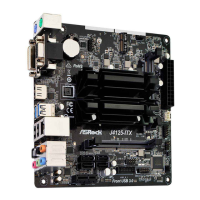
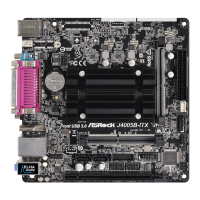
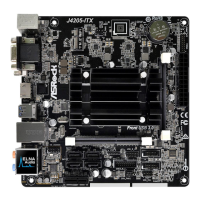
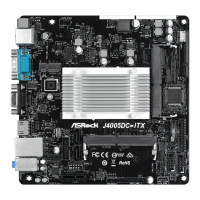
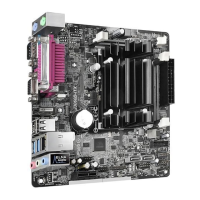
2.2 Expansion Slot (PCI Express Slot)
ere is 1 PCI Express slot on the motherboard.
PCIe slot:
PCIE1 (PCIe 2.0 x1 slot) is used for PCI Express x1 lane width cards.
Warning:
To ensure better graphics compability, the BIOS is set to "boot from Onboard VGA"
as default even the user install a VGA card on PCIe slot.
Before installing an expansion card, please make sure that the power supply is
switched o or the power cord is unplugged. Please read the documentation of the
expansion card and make necessary hardware settings for the card before you start the
installation.



 To Next Page
 Loading...