V2.4 03/08/18 TD0068 Page 28 of 38
This Document is uncontrolled when printed unless over stamped “CONTROLLED DOCUMENT”
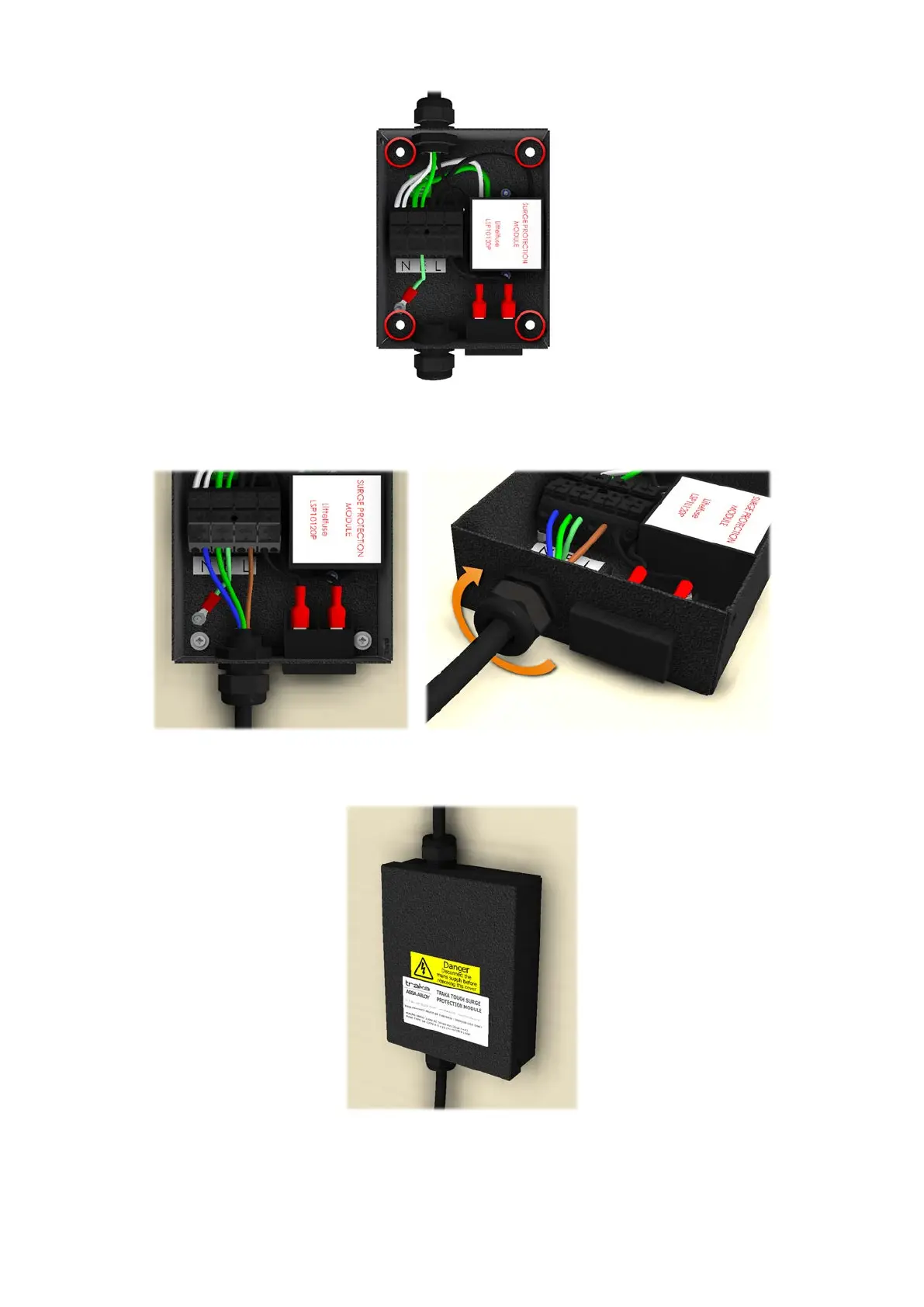
3. Pass the mains cable from the Traka Power Supply through the cable gland and connect the Live (L), Earth (E) and
Neutral (N) wires to the terminal block as labelled, and then tighten the cable gland.
4. Refit the cover.
5. Connect the plug to the mains power outlet.


 To Next Page
 Loading...